Saavutustenkatu 3, 33720 Tampere, Finland
©2022 Grundium. All rights reserved.
6-8G, 33720 Tampere, Finland
©2022 Grundium. All rights reserved.
12 SHARING
With the sharing feature, the Ocus®40 view can be shared online with others. When sharing is enabled, a feature limited view
with “Microscope” and “Scan Archive” views is available.
Note: The sharing feature requires a separate license, which can be obtained by contacting your distributor or Grundium.
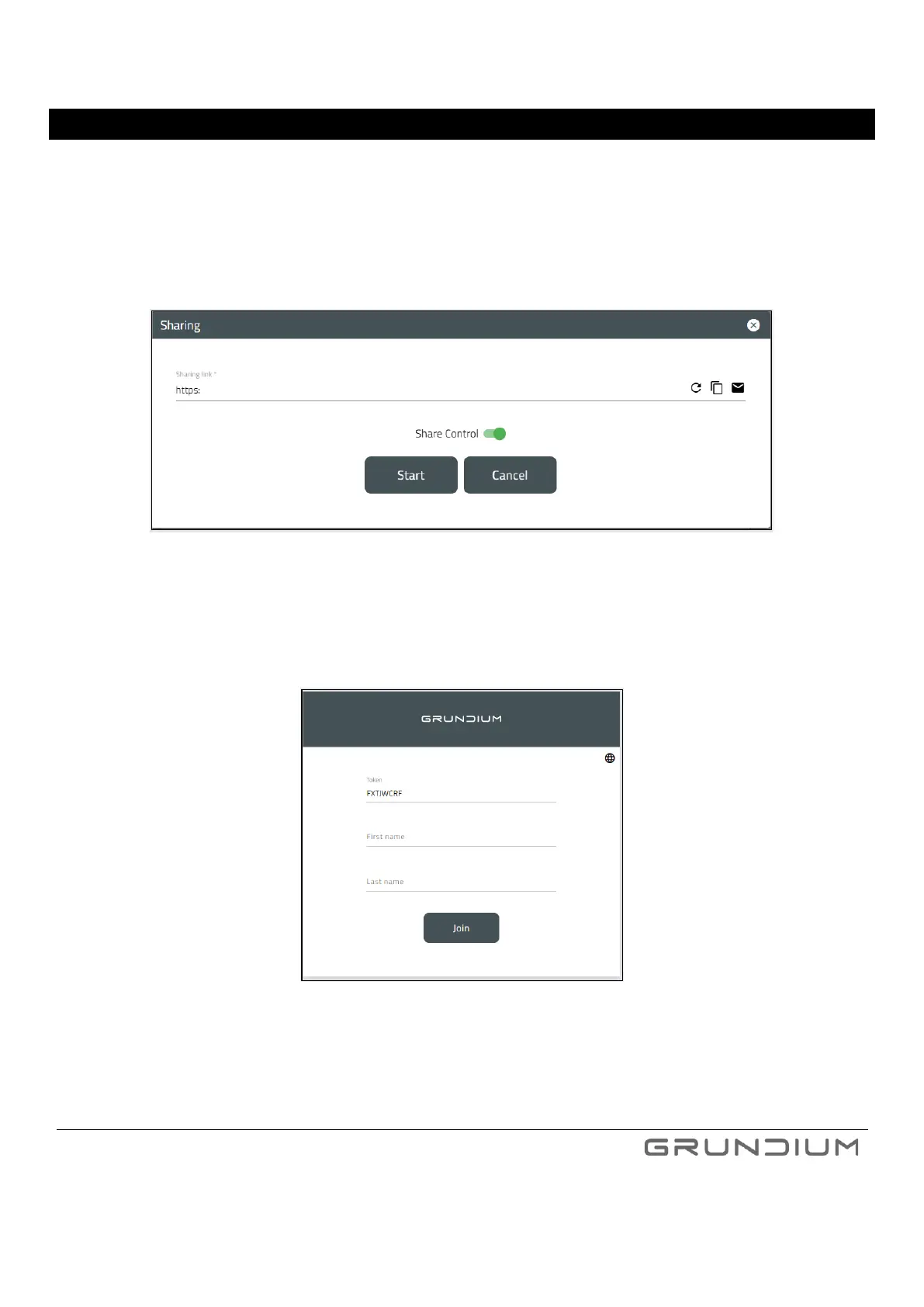
1. A shared session can be started by clicking Sharing and Start – the session specific link can be copied or emailed to
participants.
Image 31. Establishing shared session.
2. After receiving the link, the participants can login into the shared session.
Image 32. Joining the shared session.
3. During the shared session, all participants can see the Ocus®40 view of the presenter. The default presenter is the
person who established the session. If “Share Control” is enabled for the session, any of the participants can take over
and be the presenter – one at a time.
4. A shared session is ended by the person who established the session.



 To Next Page