Saavutustenkatu 3, 33720 Tampere, Finland
©2022 Grundium. All rights reserved.
6-8G, 33720 Tampere, Finland
©2022 Grundium. All rights reserved.
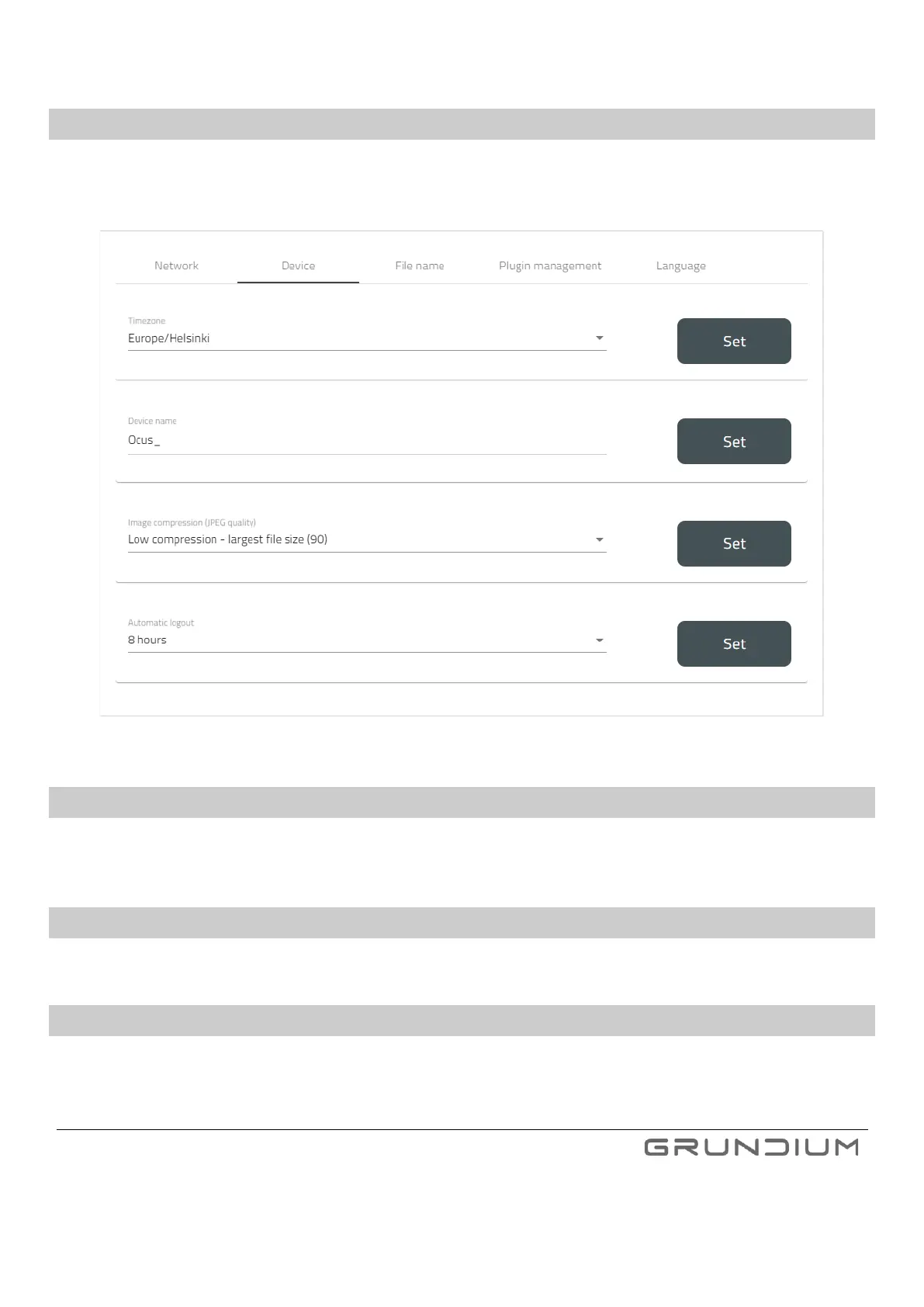
15.2 DEVICE TAB
In the device tab, user can change Ocus Scanner time zone, Ocus Scanner name, image compression (JPEG quality), and
set up an automatic logout.
Image 36. Device tab.
15.3 FILE NAME
In file name settings, the user can set the file name for upcoming scans by using static text and/or dynamic content (e.g.,
date, time, or barcode information).
15.4 PLUGIN MANAGEMENT
In plugin management, the user can enable and disable plugins.
15.5 LANGUAGE
In language settings, the user can set the Ocus Scanner UI language. The UI is currently available both in English and in
Chinese.



 To Next Page