Saavutustenkatu 3, 33720 Tampere, Finland
©2022 Grundium. All rights reserved.
6-8G, 33720 Tampere, Finland
©2022 Grundium. All rights reserved.
15.1.3 WLAN
Under the WLAN tab, user can view connection status, Current IP address, View and change WLAN country, Configure
WLAN connections. Multiple access points can be configured by selecting the preferred connection SSID (name) and
clicking “Edit”. To change the preferred active connection, select the preferred connection SSID (name) and click
“Connect”.
15.1.4 WLAN-AP
Ocus WLAN- access point SSID and the Pre-shared key can be changed under the WLAN-AP tab. The Ocus WLAN-access
point mode can be used to form a direct connection between the end device and the Ocus scanner.
15.1.5 PROXY
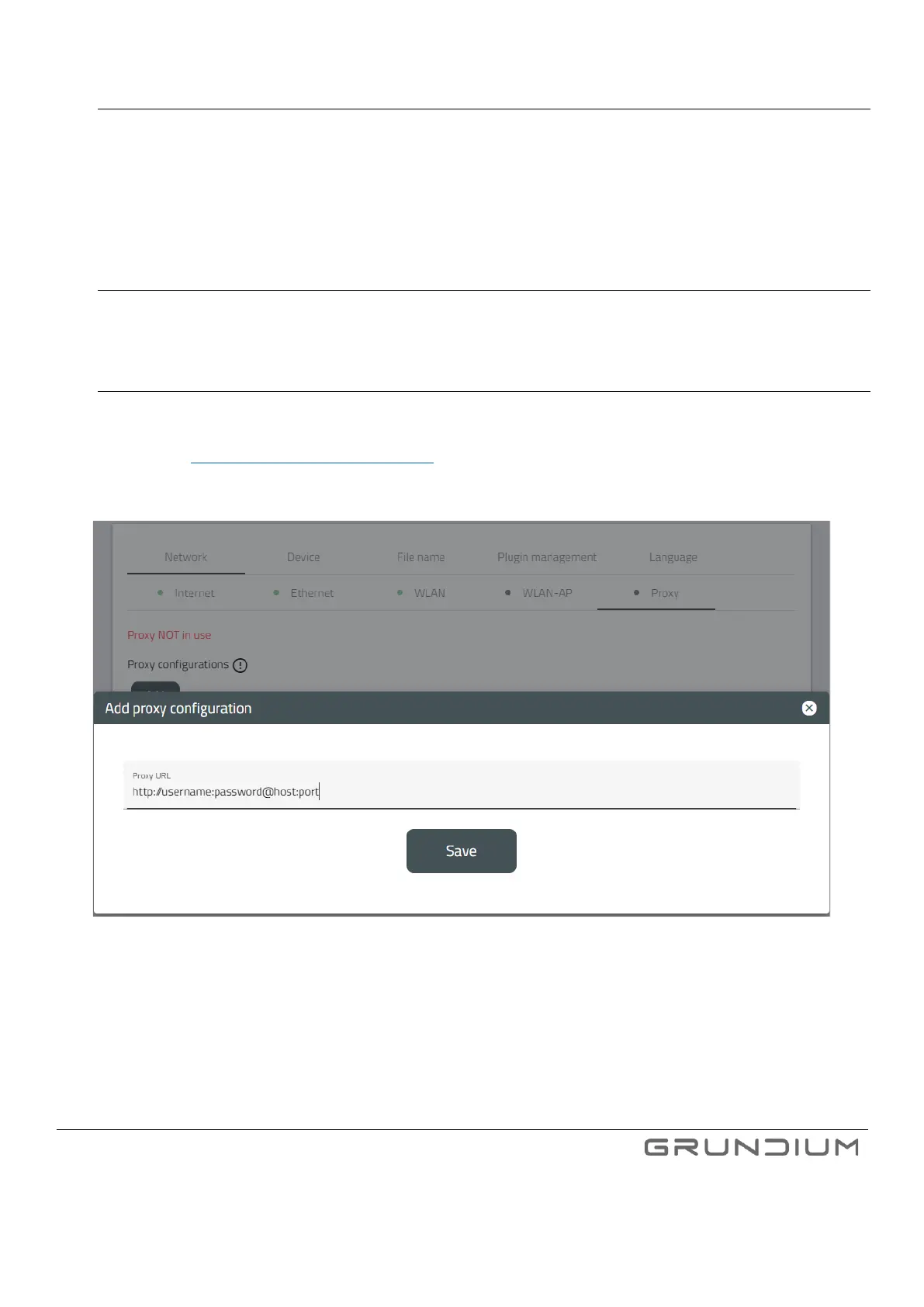
The proxy can be set up by navigating to Proxy tab under Network settings.
Formatting is: http://username:password@host:port
Image 35. Proxy settings.



 To Next Page