Saavutustenkatu 3, 33720 Tampere, Finland
©2022 Grundium. All rights reserved.
6-8G, 33720 Tampere, Finland
©2022 Grundium. All rights reserved.
10 SCAN ARCHIVE
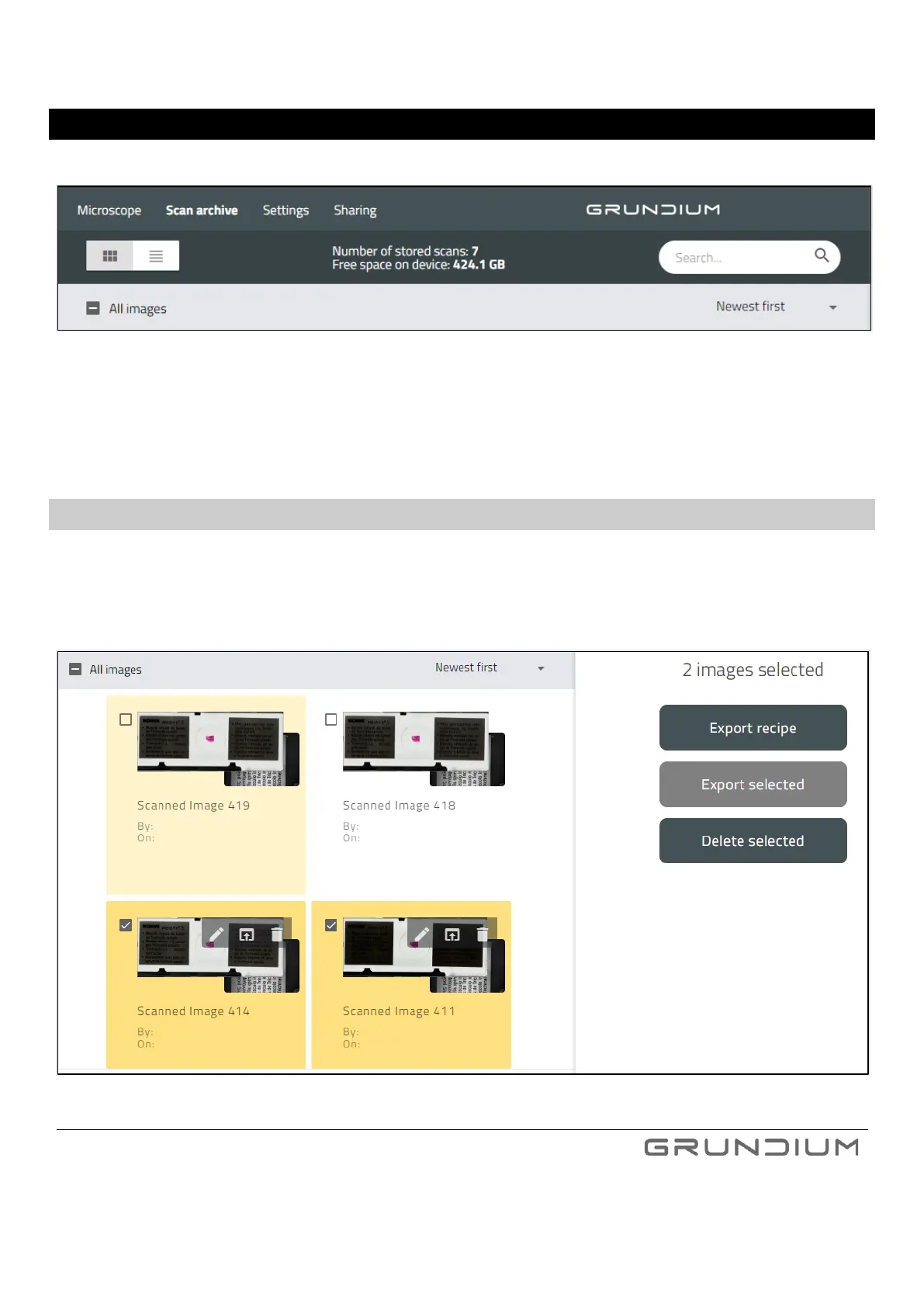
To view your saved images, click Scan archive.
Image 26. Images are saved in the scan archive.
To return to microscope view, click Microscope.
10.1 DELETING SCANS
Select the scans, that you would like to delete. To delete them, click “delete”.
To confirm the deletion, click “confirm”.
Image 27. Two images selected.



 To Next Page