Saavutustenkatu 3, 33720 Tampere, Finland
©2022 Grundium. All rights reserved.
6-8G, 33720 Tampere, Finland
©2022 Grundium. All rights reserved.
9.1 SCAN MODE
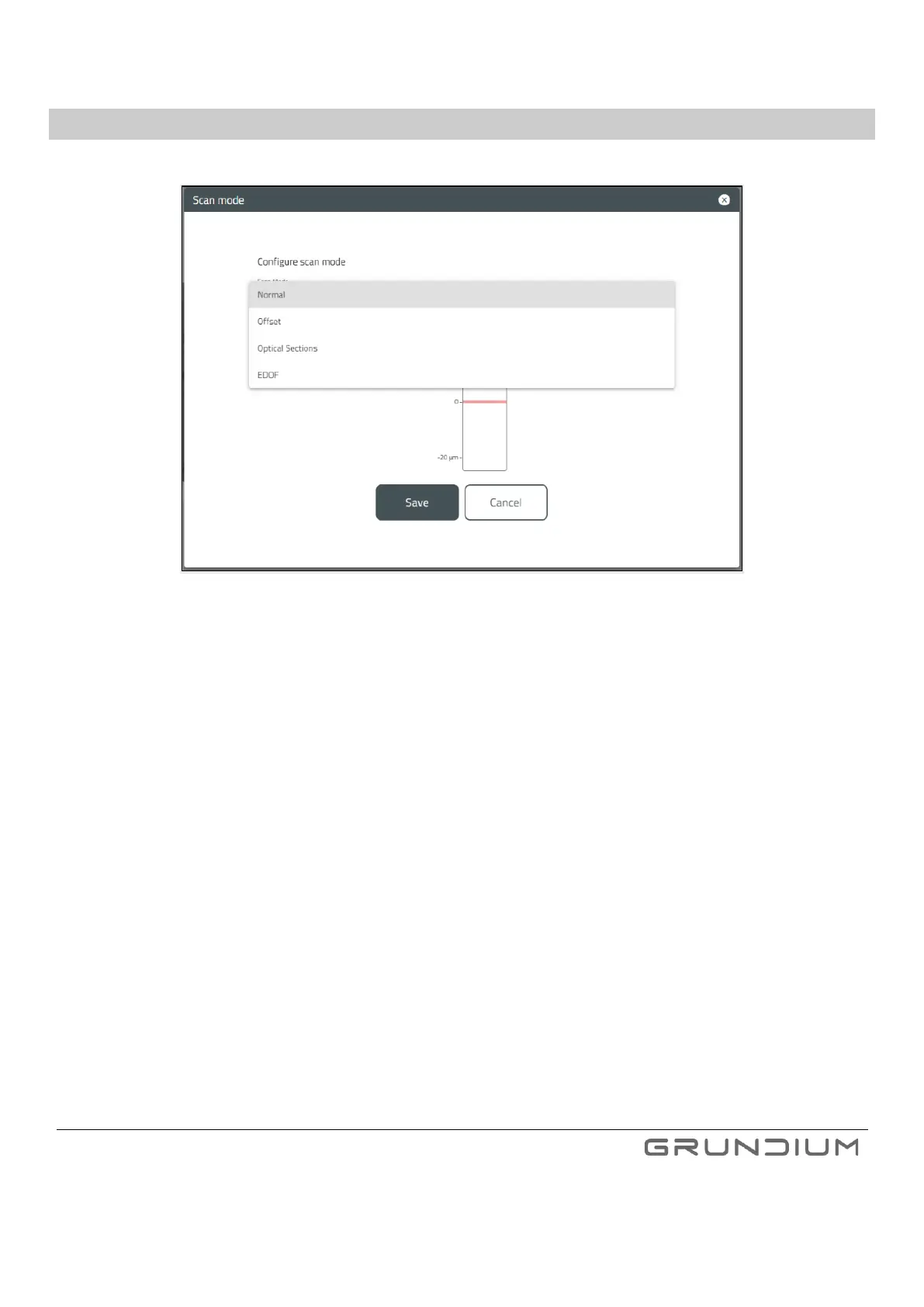
There are four scan modes to choose from.
Image 20. Scan mode, and scan mode settings can be selected in Configure window.
• Normal - Default scanning mode.
o No adjustments
▪ Offset slider is visible, but adjusting the slider is disabled.
• Offset - User can adjust the scan layer offset.
The following can be set in scan mode view:
o User can set the offset of the point of focus in comparison to normal scan mode result
o Offset interval reset can be done by clicking reset button
• Optical Sections - User can select the number of optical sections and their offset.
The following can be set in scan mode view:
o The amount of scan layers (optical sections)
o Interval of optical sections
o Offset of the optical sections stack



 To Next Page