Ocus®40 MGU-00002 User Guide version 7.0
Saavutustenkatu 3, 33720 Tampere, Finland
©2022 Grundium. All rights reserved.
6-8G, 33720 Tampere, Finland
©2022 Grundium. All rights reserved.
16 TEAM MANAGEMENT
16.1 CREATE NEW TEAM
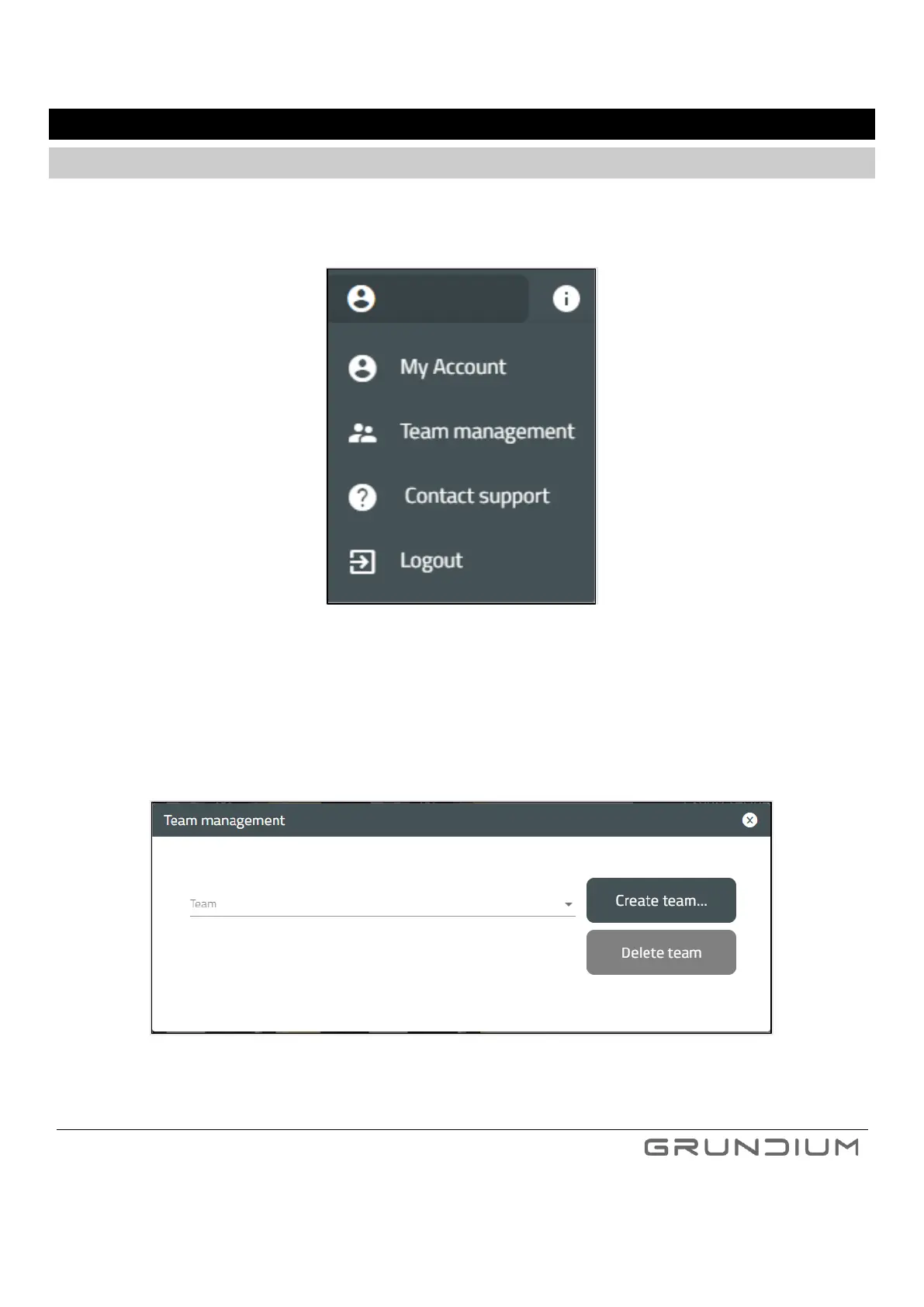
1. Select Team management from the menu under your name in Grundium.net UI, top bar, on the right.
Image 37. To create a new team, click Team management from a menu.
2. Click Create team…
Name your team. The name must be in lower case and cannot include special characters or spaces.
Image 38. To create a team, you need to give it a valid name.



 To Next Page