Working with the mega macs PC
mega macs PC
Symbols
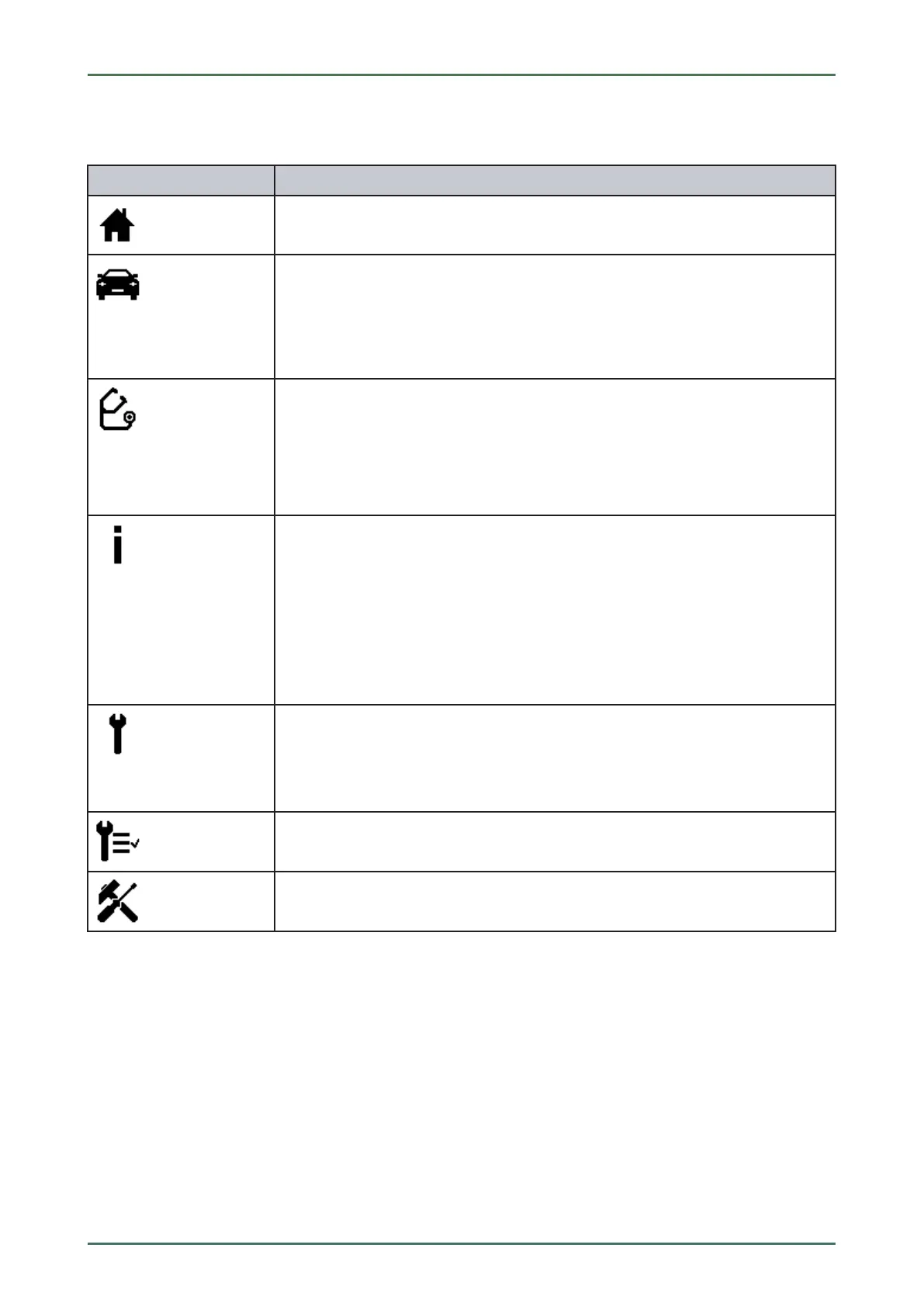
11.1.3 Symbols in the Main Menu
SSyymmbboollss
DDeessiiggnnaattiioonn
Home
Return to the main menu.
Vehicle Selection
Select a vehicle or access the Car History. First select a vehicle to access the following
functions depending on the vehicle:
• Diagnostics
• Vehicle Information
Diagnostics
Here you can find vehicle-specific ECU diagnostics, e.g.:
• Trouble code readout
• Parameter readout
• Codings
Vehicle Information
Here you can find information regarding the selected vehicle, e.g.:
• Assistance in finding the installation location of a component
• Timing belt and service data
• Technical Data
• Wiring diagrams
• Recall campaigns of vehicle manufacturers and importers
Applications
Useful applications are stored here:
• Calculator
• Calculations
Optional HGS Tools
Functions for linked accessory devices are stored here, e.g., for battery diagnostics.
Settings
Configure the mega macs PC software here.
46



 To Next Page