mega macs PC
Working with the mega macs PC
Symbols
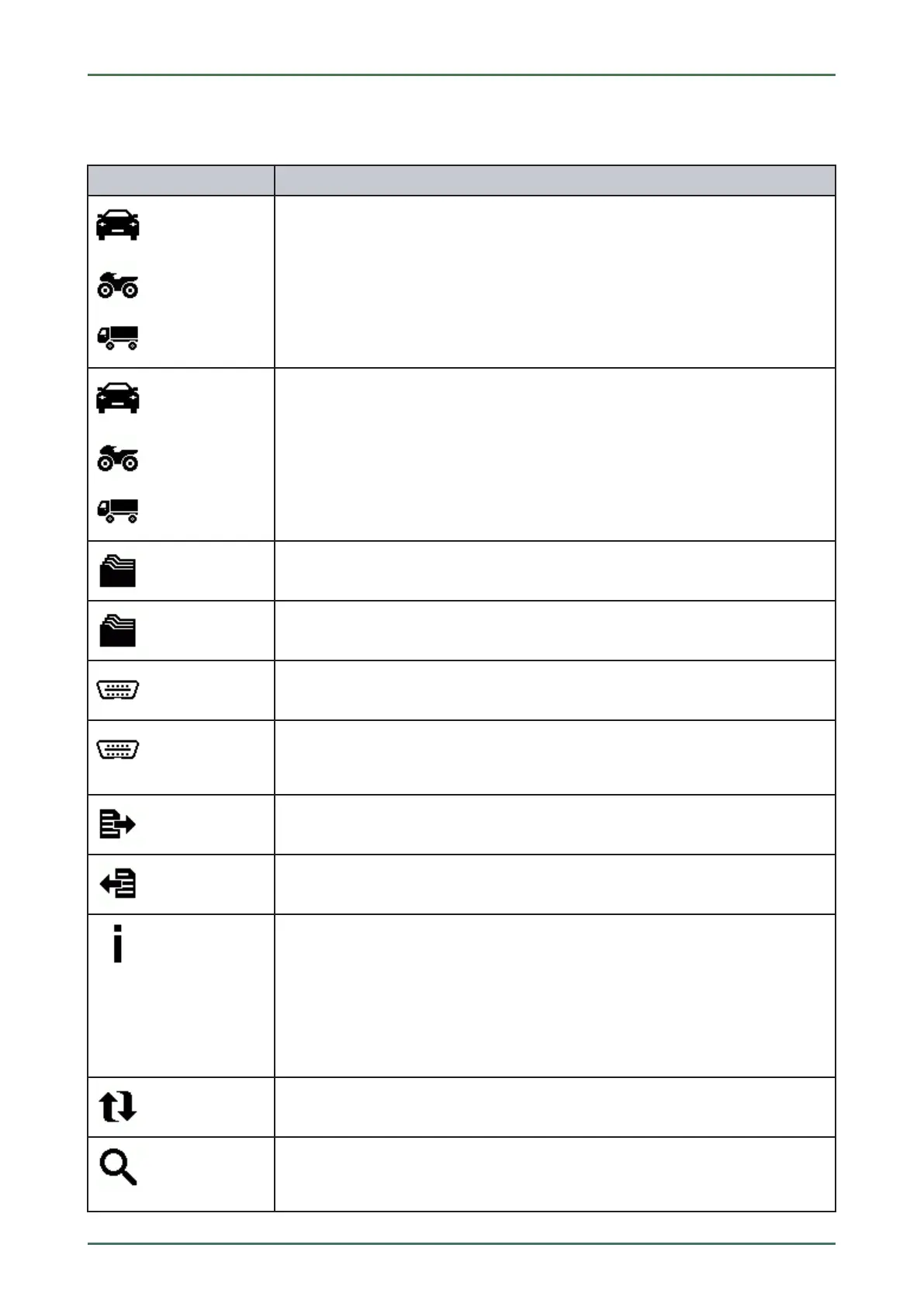
11.1.4 Symbols in the Vehicle Selection Menu
SSyymmbboollss
DDeessiiggnnaattiioonn
Preselect the vehicle type
Pre-filter the database according to vehicle type:
• Passenger car
• Motorcycle
• Truck
Vehicle database
Select a vehicle from the database, e.g., according to the following criteria:
• Manufacturer
• Type
• Year of manufacture
• Engine code
Car History
Call up the Car History here.
Display Car History files
Call up a list of saved diagnostic data records on a certain vehicle.
VIN identification
Read out the VIN of the vehicle using the OBD plug.
OBD diagnostics
Here you can only start the OBD diagnostics by selecting the vehicle manufacturer and
the fuel type.
Page forward
Go one page forward.
Page back
Go one page back.
Information
Call up additional information regarding the selected vehicle, e.g.:
• Vehicle type
• Engine displacement
• Output
• Engine code
Update the Car History
Update the list of vehicles in the Car History and the vehicle status here.
Vehicle search in the vehicle database
Search for a vehicle in the vehicle database using its VIN, its manufacturer key no., or
its license plate number.
47



 To Next Page