Working with the mega macs PC
mega macs PC
Symbols
11.1.8 Symbols in the Settings Menu
SSyymmbboollss
DDeessiiggnnaattiioonn
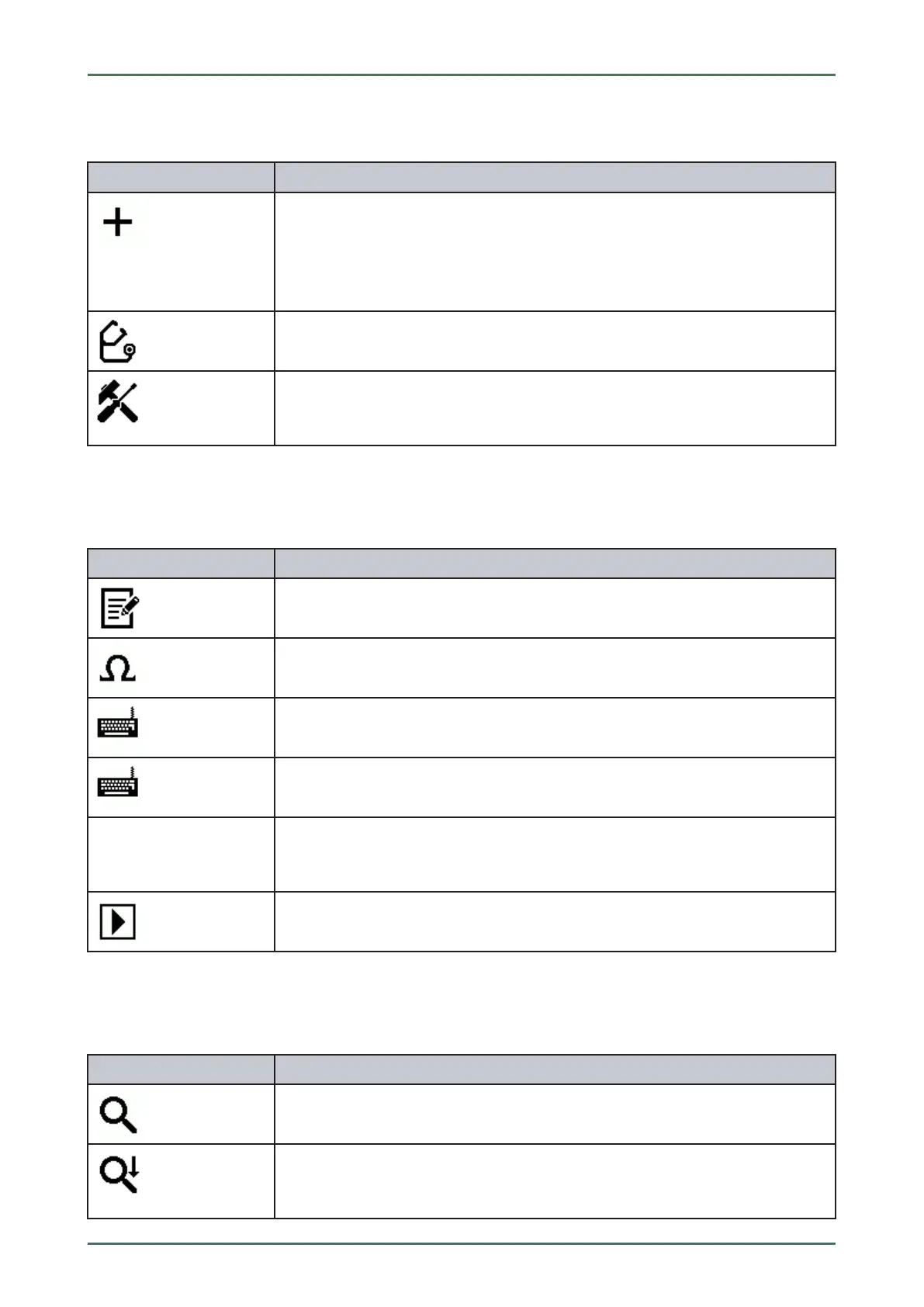
Add user
Here you can add a new user the the list of users.
The respective user name is saved for all data stored in the Car History. This enables
quicker identification of the mechanic who performed the repair work if a query is
subsequently made.
Start diagnostics
Here you can start a connection test of the prevailing interface.
Language management
Uses this symbol to set language-specific keypad layouts and to delete installed
languages.
11.1.9 Symbols on the Virtual Keypad
SSyymmbboollss
DDeessiiggnnaattiioonn
Copy/paste
Here you can copy text into the clipboard or paste text from the clipboard.
Insert special characters
Use this symbol to insert special characters into the text.
Select the keypad
Here you can select and manage the country-specific keypads.
Manage keypad languages
Here you can select language-specific and country-specific keypads.
Add keypad to list
Here you can add country-specific keypads from the Available keypads list to the
Keypad list.
Remove keypad from list
Here you can remove country-specific keypads from the Keypad list.
11.1.10 Symbols in the Manual
SSyymmbboollss
DDeessiiggnnaattiioonn
Search for entries
Hear you can search for certain words.
Search for next entry
Here you can search for a related entry that corresponds to the entered search
pattern.
54



 To Next Page