Chapter 5, Operating the TEG
®
Analyzer 61
Haemonetics
®
TEG
®
6s User Manual P/N 115191-IE, Manual revision: AB
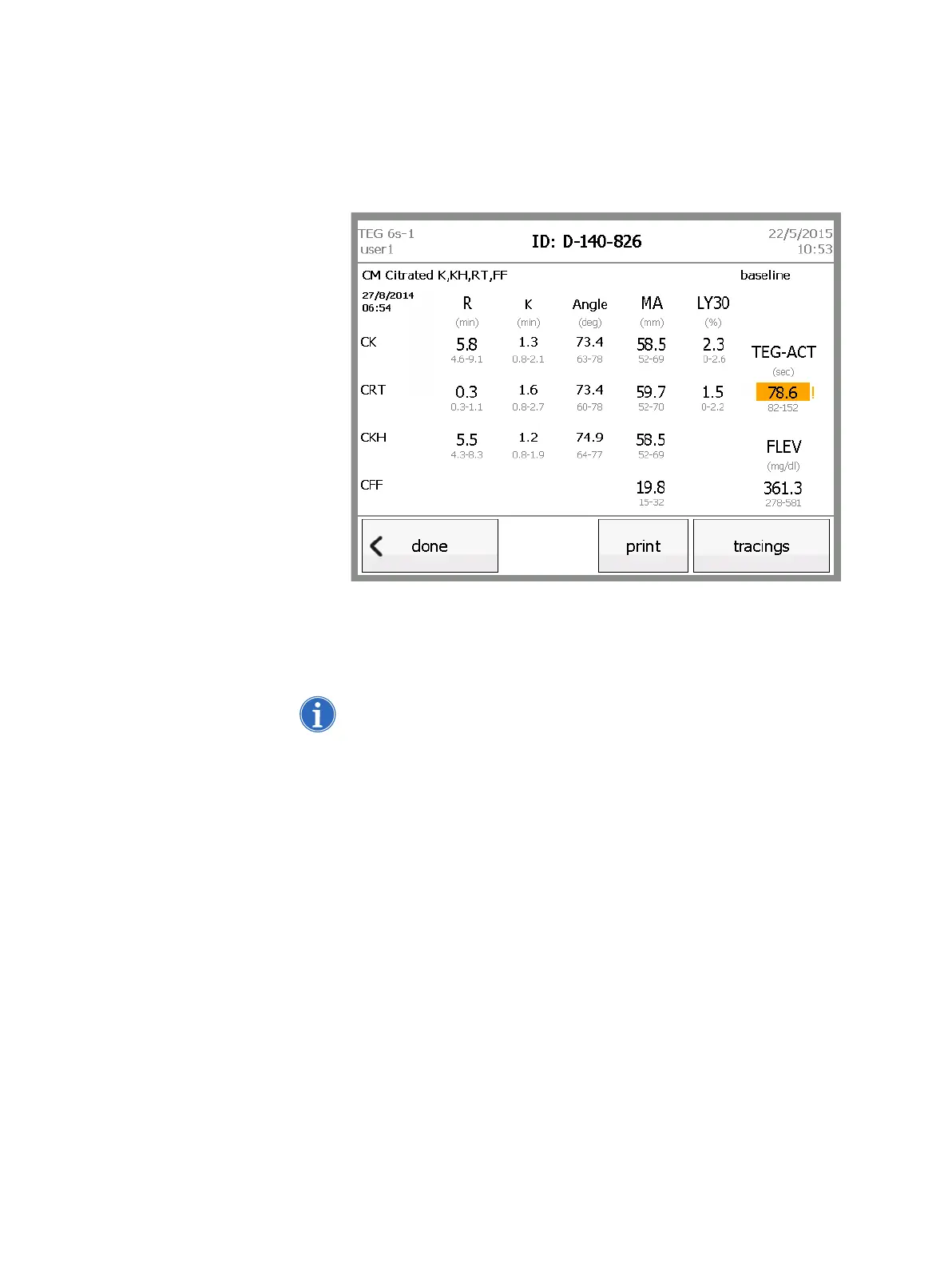
13.Touch results to return to the results screen.When the test is complete,
the following changes occur on the results screen:
The test timer is replaced by the date and time that the test started.
The stop button is replaced by a done button.
The print button is enabled.
Figure 5-11, Test results - complete
14.When the analyzer displays the “Remove cartridge” prompt, pull the used
cartridge out of the slot and immediately dispose of it in a marked,
biohazard waste receptacle.
Note: A flashing light at the cartridge slot also indicates that it is safe to
remove a cartridge.



 To Next Page