72 Chapter 6, Quality Control
P/N 115191-IE, Manual revision: AB Haemonetics
®
TEG
®
6s User Manual
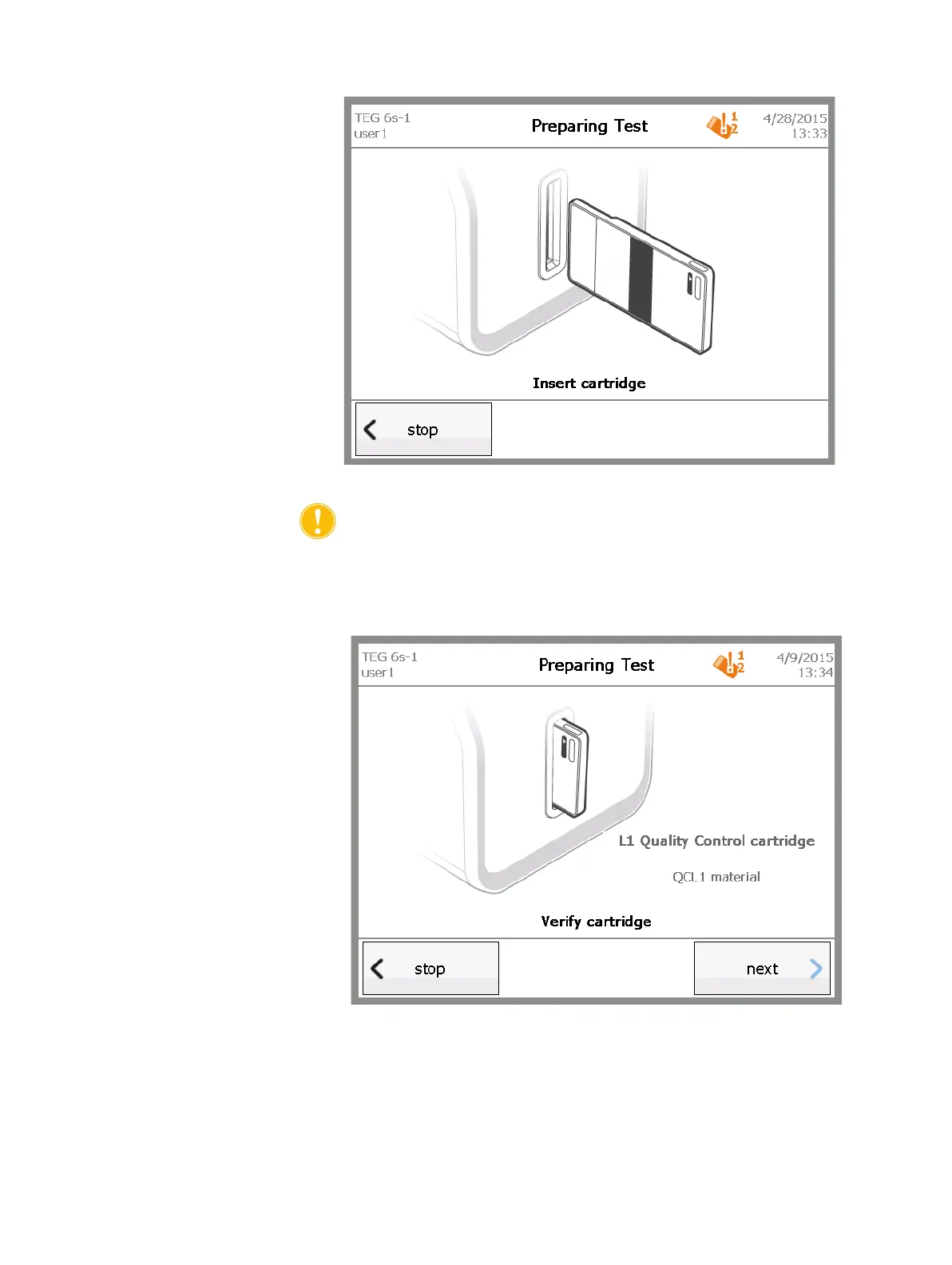
Figure 6-2, Insert cartridge screen
Caution: DO NOT remove the cartridge until prompted to do so, either
after normal completion of the test or as a result of choosing to stop the
test.
4. On the Verify cartridge screen, review the information to ensure that the
cartridge type displayed on the screen is correct, and then touch next.
Figure 6-3, Verify cartridge screen
5. On the Test Information screen, enter information for the test, if desired,
and then touch next.



 To Next Page