Decoder (Analog only)
Channel Decode support the Canal+
(paid television channel); however,
the channel also broadcast some un-
encrypted programs. These programs
without encryption can be viewed free
of charge
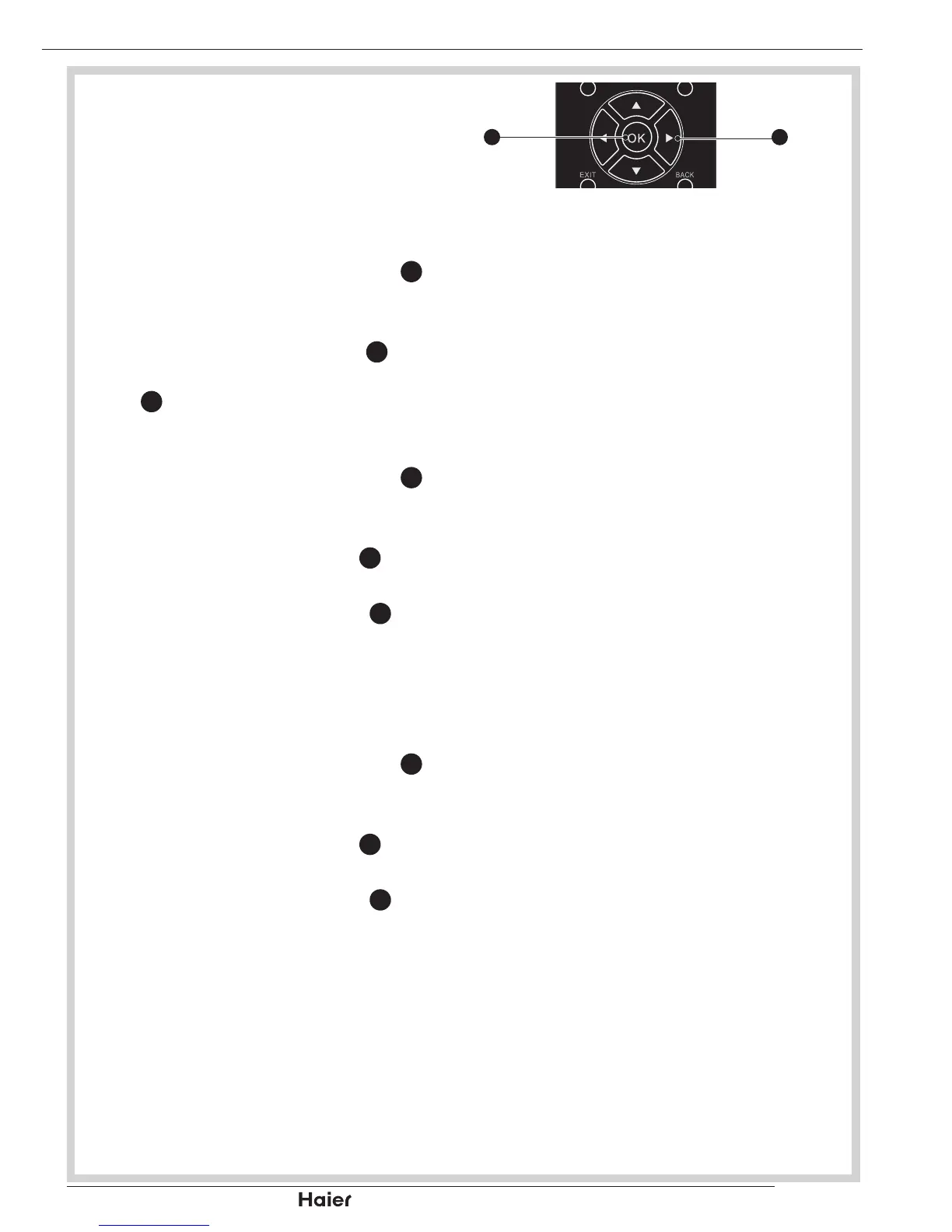
Use the Up or Down Cursor 1.
31
to
select Decoder in the Channels
submenu.
Use Up or Down Cursor 2.
31
to
highlight the channel and press OK
12
to set.
Analogue CH Fine Tune
Use the Up or Down Cursor 1.
31
to
select Analog CH Fine Tune in the
Channels submenu.
Highlight and press OK 2.
12
to select
the channel.
Use Left or Right Cursor 3.
31
to
adjust the frequency. Press Left to
decrease and Right to increase the
frequency.
Clean Channel List
Use the Up or Down Cursor 1.
31
to
select Clean Channel List in the
Channels submenu.
Highlight and press OK 2.
12
to select
the channel.
Use Left or Right Cursor 3.
31
to
adjust the frequency. Press Left to
decrease and Right to increase the
frequency.
MENU OPERATION


 To Next Page