PVR RECORDING & VIEWING
Record DTV programs to USB storage
device
This TV allows you to record digital TV
programs to a USB storage device.
NOTE: Some of the USB storage devices
may not be supported to this function.
While in the TV input source, insert 1.
USB storage device to the USB port on
the side of your TV.
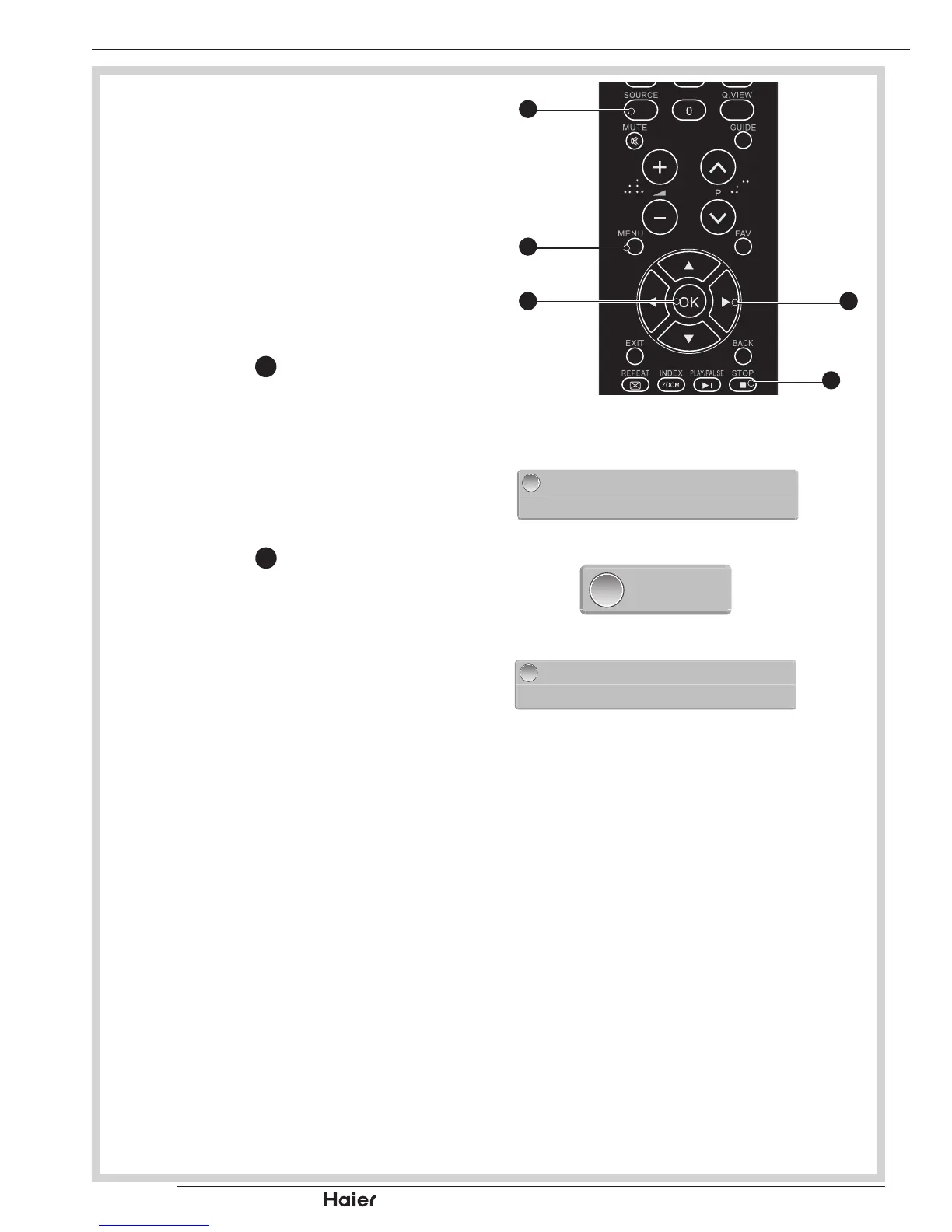
Press STOP 2.
28
to enable PVR function.
and start recording program. TV will
pop out a window.
See g. 74 and 75.
The window for recording progress will 3.
be minimized during recording.
See g. 76.
Press STOP 4.
28
again to disable PVR
function and stop recording program.
See g. 77.


 To Next Page