EB+ Soft Docking Installation guide
14
Innovative Vehicle Solutions 2020
Installation of EB+ Soft Docking ECU
Preparation
Ensure that you have all the components necessary to
complete the installation.
Remove existing outline markers.
Determine a suitable mounting point for:
› EB+ Soft Docking ECU box
› Audio beeper
Minimum space required is approximately 200 mm
(width) x 300 mm (height).
All cables must be installed where suitably protected
by the trailer chassis. Fix all cables every 10-15 cm with
a cable tie. Do not fit the cables onto surfaces that can
become hot. Hydraulic fluid pipe lines are not allowed.
Unnecessary cables should be fixed coiled up. Ensure
that any junction box gland nuts are closed correctly.
During all the installation, protect connectors from dirt
and humidity.
Temperature range :
Don’t expose the product below -40 °C and above
80 °C. For example, do not place the product in a paint
oven (temperature > 80 °C). Fit the EB+ Soft Docking
after painting.
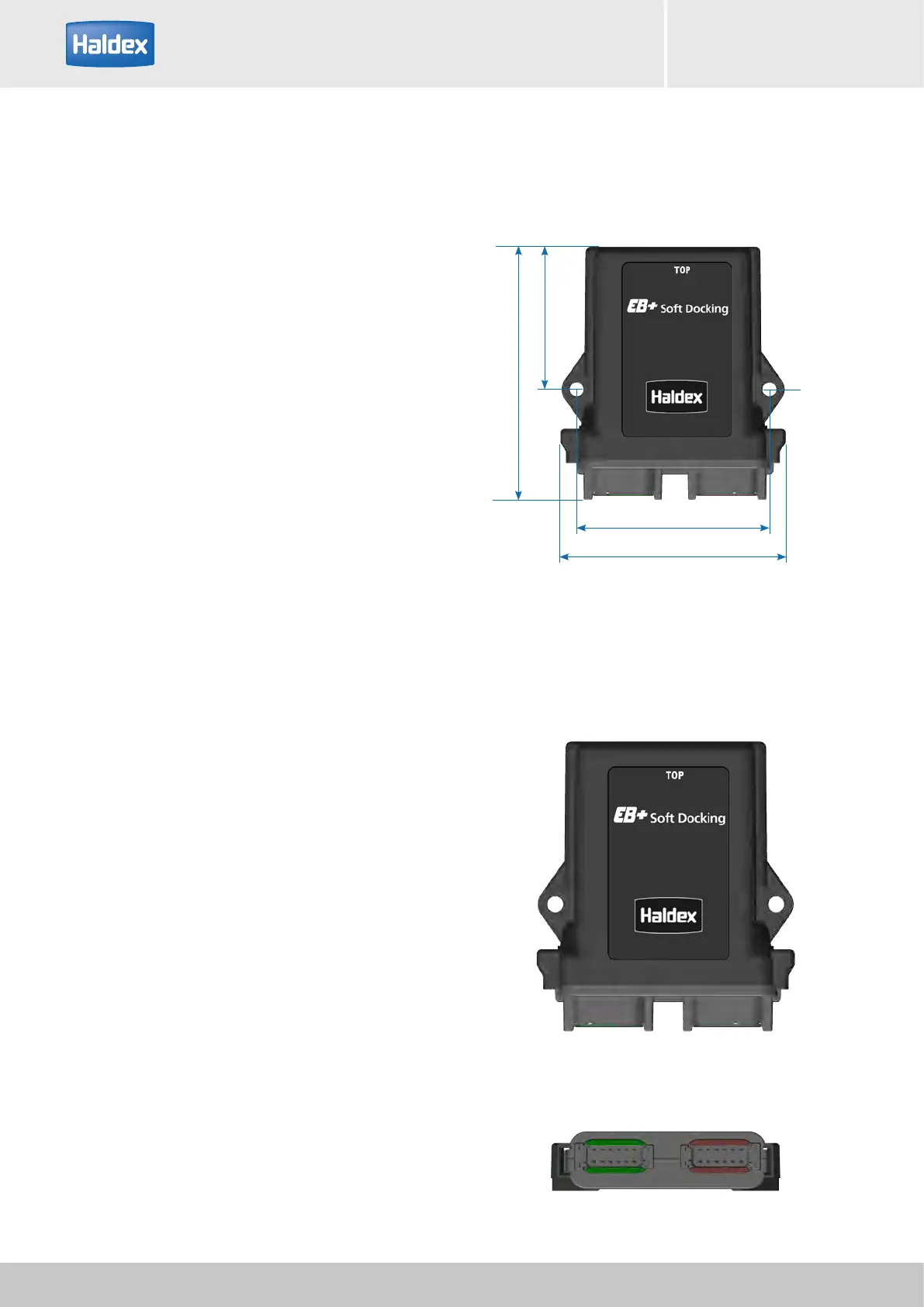
The position of the ECU box should be in a suitably
protected position in the rear part of the trailer. The
box should be fixed onto the chassis. Position in a rigid
location which is not susceptible to large vibration
and ensure cables run upwards to the ECU box and
are safely installed. Respect the "Top" indicated on
the box. The cables must be plugged without any
constraints (which could cause a loss of tightness or
product deterioration). Any product opening or any
product change cancels the product warranty.
Note: Ensure that the ECU connectors are plugged
into the correct colour coded cable connectors, and
the polarity of these connectors is also correct. Any
deviations from correct connection will void any
warranty claims.
Mounting dimensions
102.21 mm
120 mm
75.5 mm
134 mm
Use M6 screw
Screwing torque = 8 Nm max for M6
screws
Fit the box onto a flat surface
Top
Bottom
Green connector Brown connector



 To Next Page