EB+ Soft DockingInstallation guide
25
2020 Innovative Vehicle Solutions
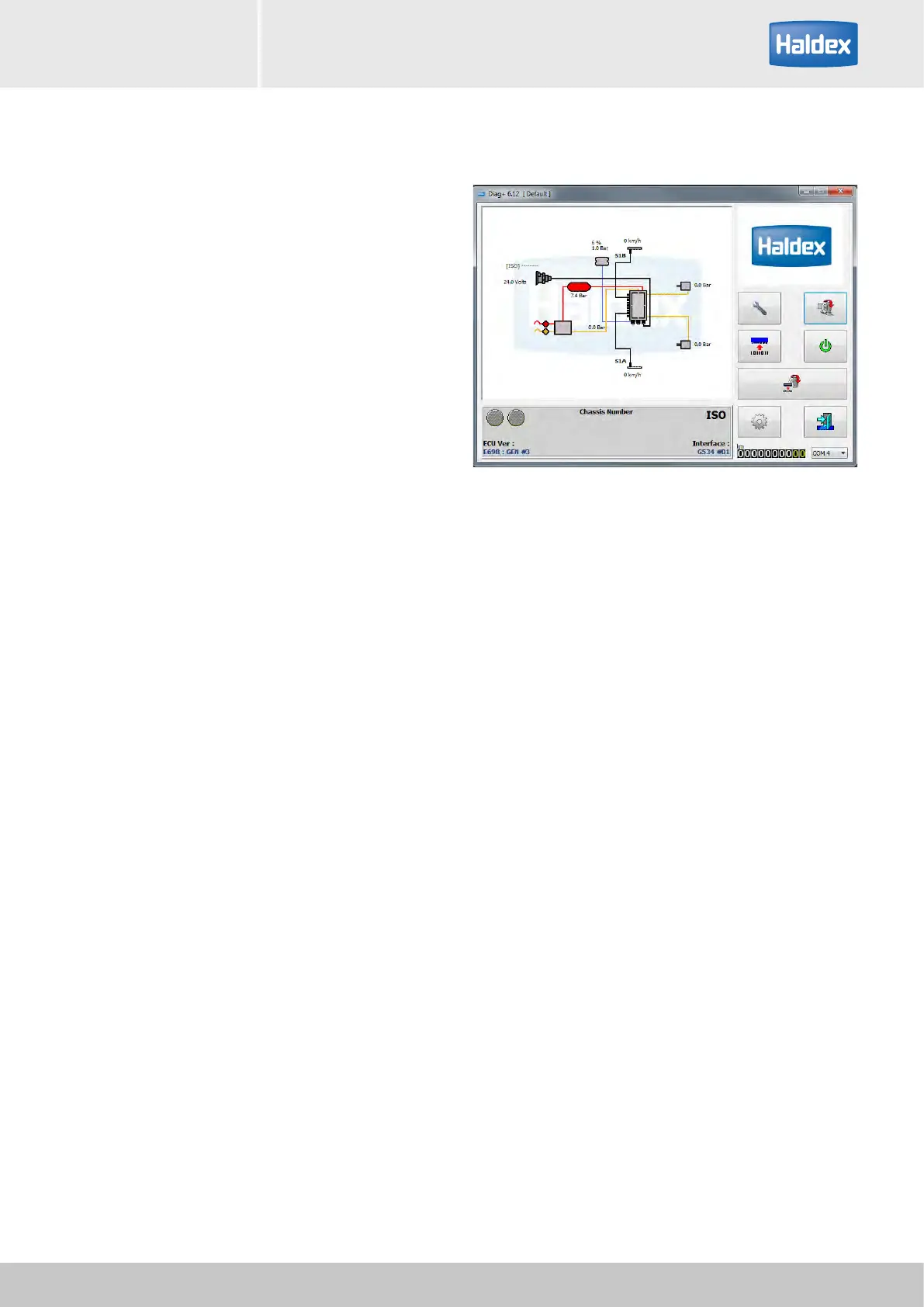
Conguring EB+ Soft Docking using DIAG+
The EB+ Soft Docking is configured using DIAG+ V6
software. The software and operators guide can be
downloaded from the Findex section of the Haldex
website.
To download the software
› Click here: Haldex Findex
› Click on DIAG+
› Click on multi-language version
› Follow installation procedure
DIAG+ V6 document reference 006300019



 To Next Page