MIDI
87
Bank Select.
When ON, this does send/receive. When OFF, not.
6. REGISTRATION
This is for switching ON/OFF the Drawbar Registration send/receive at the Keyboard
Channel.
This is to select whether or not to send/return the information of the movement of each
footage of the Drawbars.
When ON, it transmits/receives. When OFF, not.
7. WHEEL
This switches ON/OFF the Send/Receive of the Pitch Bend and Modulation informations
at the Keyboard Channel.
When ON, it transmits/receives. When OFF, not.
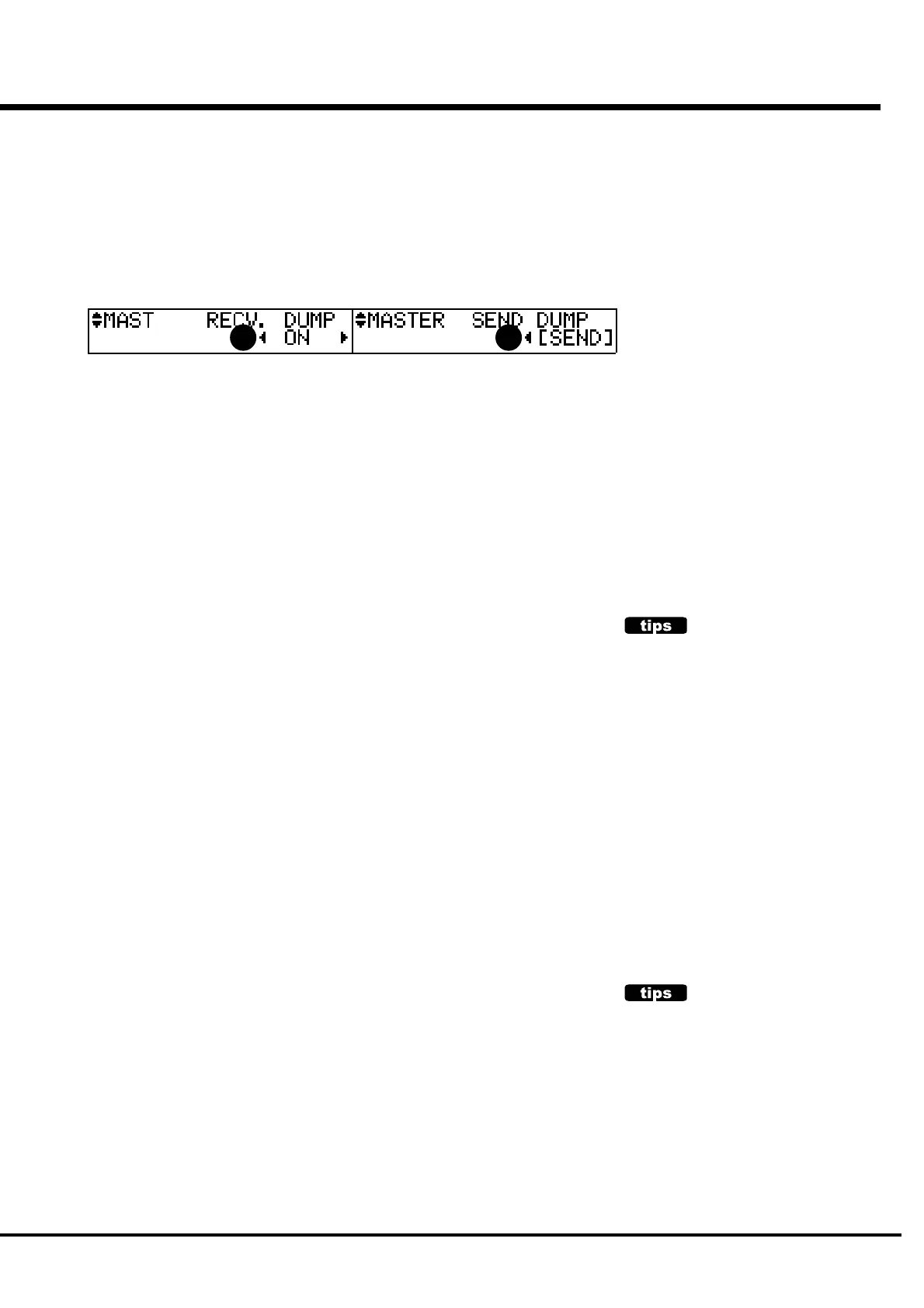
8. RECEIVE DUMP
This is for determining whether or not to receive the MEMORY DUMP.
On this module, you can transmit/receive the current settings by the System Exclusive
Message as the MEMORY DUMP, but you must switch this OFF, if you do not want the
settings of this keyboard to be changed.
When ON, it receives. But, at OFF, not.
9. SEND DUMP
This is for sending the MEMORY DUMP.
If you touch [4] SEND in this mode, the whole TEMPORARY (= the current setting
information) from the MIDI OUT terminal. This avoids later “confusion” if you record the
TEMPORARY by doing this before recording your performance to the Sequencer.
KEYBOARD CHANNEL
10. UPPER
11. LOWER
12. PEDAL
This is for setting which MIDI CHANNEL you use to send/receive each Part.
You can choose 1 - 16 and OFF. If OFF, nothing is sent/received.
To avoid confusion of the MIDI signals, be careful not to duplicate
each MIDI channel, including the External Zone.
NOTE: The settings in this MENU are not recorded in to the Combination Presets. This is
common with all Presets.
CONTENT OF MEMORY DUMP
The PRESET Parameters, GLOBAL Parameters
and SYSTEM Parameters of TEMPORARY (=
the current status) are sent and received.
The content of each Combination Preset and
that of each Leslie Cabinet is not sent or
received.
To save these, you must use the CF CARD.
THE “PANIC” FUNCTION
When any trouble happens in the MIDI system, it
sometimes causes sticking notes. In such a
case, you can send the command messages “All
Notes Off” and “Reset All Controllers” by
touching the [BANK] button and the [REC/JUMP]
button at the same time. This is called “Panic”
function.
8 9



 To Next Page