①
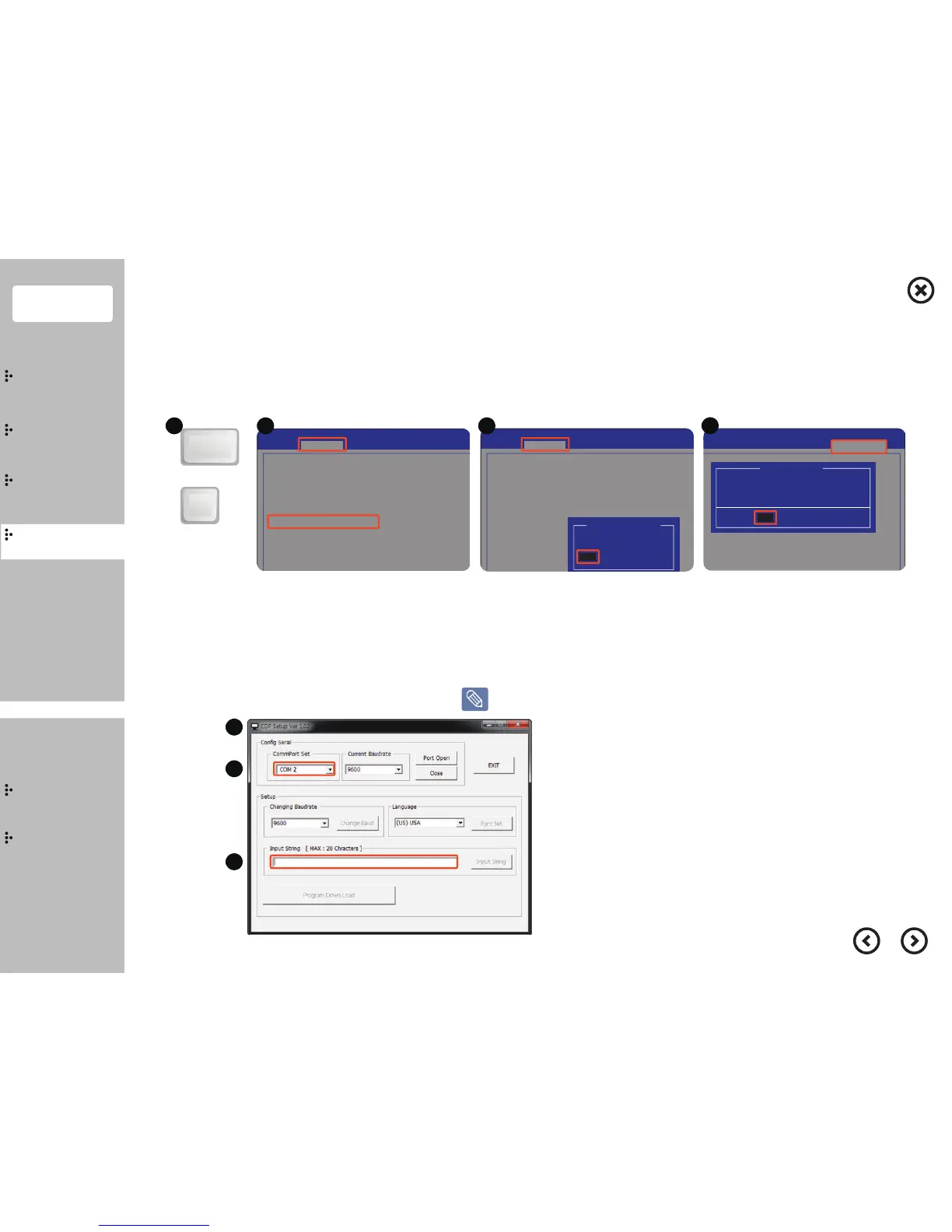
Turn on the system and Press “DEL” key to enter BIOS SETUP.
②
Move and enter to the “Advanced - IO Configuration/Serial Port 3” menu in BIOS.
③
Select the "Serial Port Voltage" and change the voltage to 12V.
④
Select the “Save & reset - Yes”. After that, Turn off the system.
①
Open "CDP setup Utility".
②
Choose COM2/9600, then click "Port Open".
③
Click "Input String" after finishing Inputting the test sentence,
then check if everything is output on the VFD screen.
[ BIOS Setup ]
The utility for VFD setup can be downloaded from the website or D drive.
Customer Display (VFD) - Step 2
■
Setup
■
Utility Setup & Test
or
Delete
Del
.
1
1
2
3
Main Advanced Topstar Chipset
Aptio Setup Utility - Copyright (C) 2
Boot
IT8786
IT8786 Super IO Configuration
IT8786 Super IO Chip
▶ Serial P
ort 2 Configuration
▶ Serial Port 3 Configuration
▶ Serial Port 4 Configuration
▶ Serial Port 5 Configuration
▶ Serial Port 6 Configuration
▶ Parallel Port Configuration
▶ Serial Port 1 Configuration
Main Advanced Topstar Chipset
Aptio Setup Utility - Copyright (C) 2
Boot
[Enabled]Serial Port
Serial Port 2 Configuration
[Auto]Change Settings
Device Settings IO=2F8h; IRQ=
Serial Port Voltage [0V]
5V
Serial Port Voltage
0V
12V
Chipset
ity - Copyright (C) 2011 American
Boot Security Save & Reset
D032
NoYes
Save & reset
Save configuration and reset ?
2 3
4
Contents
System
Installation
Using
the product
Assembly &
Disassembly
BIOS
Appendix
System
Introduction
MSR
Stand
Storage(HDD/SSD)
Cover Rear
EMI
Second Monitor
VFD
Wall Mount


 To Next Page