Operational Guide
44
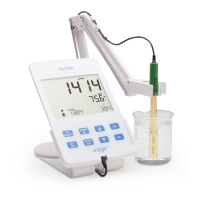
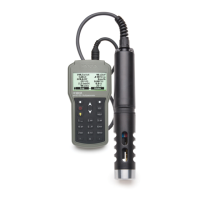
Rinse the pH sensor with water and a sample aliquot if possible. Submerse
the electrode tip approximately 3 cm (1¼”) into the sample to be tested and
stir sample gently. Allow time for the electrode to stabilize.
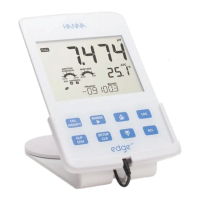
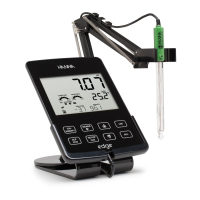
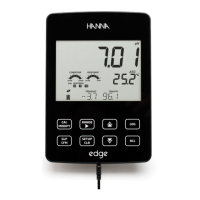
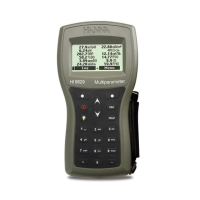
The pH is displayed on the 1st LCD line and the
temperature on the 2nd LCD line. Using the arrows,
date, time, battery status and oset with slope can
be displayed on the 3rd LCD line. If the reading is out
of measurement range, the closest full scale value
will be displayed blinking on the 1st LCD line.
If measurements are taken successively in dierent samples, it is
recommended to rinse the electrode thoroughly with deionized water
or tap water and then with some of the next sample to prevent cross-
contamination. The pH reading is aected by temperature. The temperature
eect is compensated for using the temperature sensor inside the probe. The
resulting measurement is the actual pH at the temperature of measurement.
If the temperature reading is out of range, the closest full scale value will
be displayed and the “ºC” will blink on the 2nd LCD line. If the temperature
reading is out of electrode specication range, the value is displayed blinking
along with “ELECTRODE OUT OF SPEC” message.
If the temperature sensor of the electrode is broken
(interrupt), the message “BROKEN TEMPERATURE
SENSOR” and “25ºC” is displayed and the unit tag is
blinking on the 2nd LCD line.
mV Reading Of The pH
The mV reading of the measured pH can be displayed
on the LCD by pressing the RANGE key.
pH
Measurement






 To Next Page