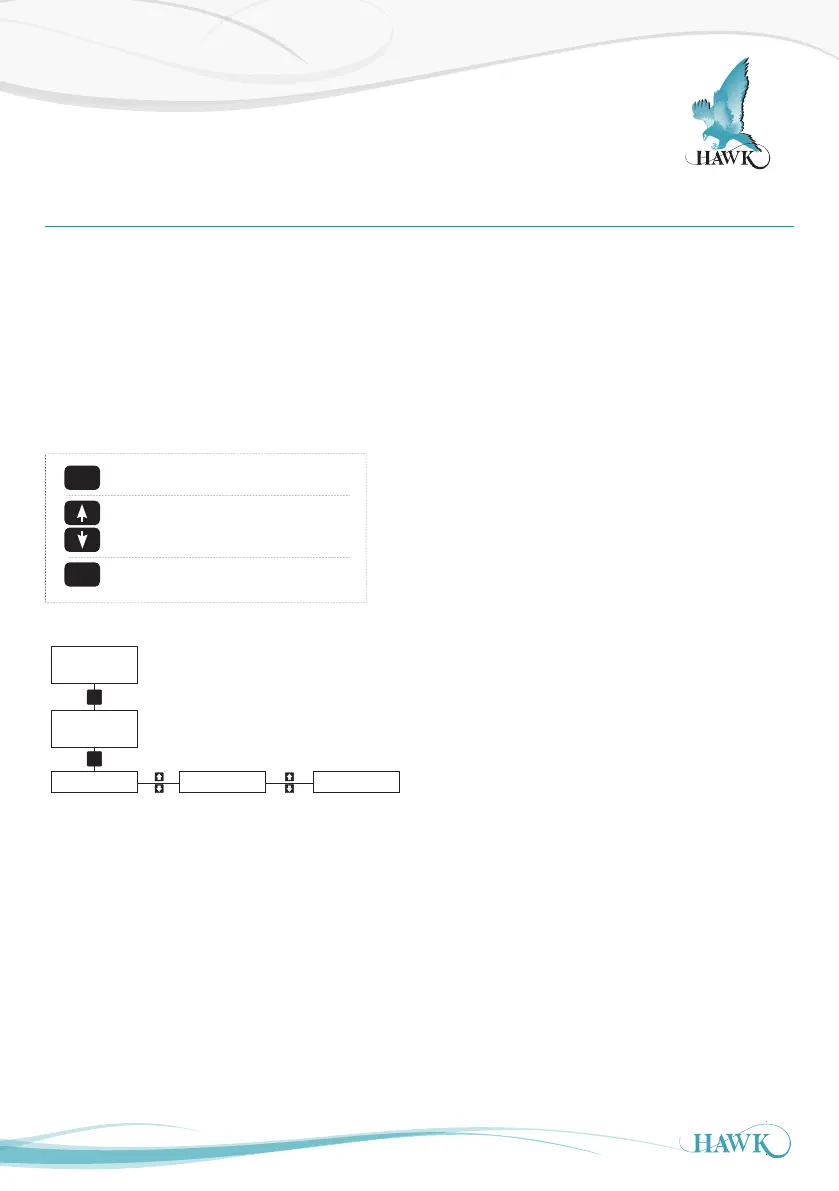
Setup Procedure
ORCA Sonar System
18
CAL
Bed
CAL
Unlock 0
Quickset
CAL
App Type
CAL
App Type
*Edit*
Density
Switch
Blocked Chute
Boom Protect
Alignment
Output Adj Advanced*
Advanced
(Tx Setup)
*Also Tx Setup
Operating Diagnostic Display
Unlock Code (default 0)
Main Menus
Amplifier /
Application
settings
Comms / Output
Settings
Transducer
settings.
Powering The Unit
When power is applied the unit will start up automatically. It will scroll through its boot diagnostics and display
the serial numbers, software version and model types for the amplifier and transducer
The unit will display its default operating screen depending on the App Type selected (default: Bed) on the
top line and a distance or % on the bottom line. The distance will be the programmed display mode (Default:
Level).
The unit will re-scan for the measurement whenever it is powered up.
The sensor face must be submerged in liquid in order to operate correctly.
CAL
RUN
CAL for select / proceed / edit
Arrows to scroll / adjust
RUN to re-active unit
*Do not adjust Advanced settings without expert knowledge



 To Next Page