Application Calibration
ORCA Sonar System
28
How to set up the unit - Bed Level + Hindered / settling layer measurement
App Type2: Additional Settings
SmplRate - App Type2 is measured at a time
based interval. This can be reduced as low as
0.5mins (30 seconds)
Damping2 - Along with reducing SmplRate time,
increasing Damping2 will provide a smoother
output trend.
Calibr% - To see a lighter interface increase the
Calibr% parameter. Use 1% intervals and press
CAL to fire test pulses. This will return the depth
of the measured interface and signal size. Target
1V+ signal at preferred depth. Higher% makes the
unit more sensitive to lighter material. Fire several
pulses with each adjustment.
Parameters for standard setups are located in the
'Quickset' menu.
You will need to program the following parameters:
- App Type - High & Low Level, Density, Bed Depth
- App Type2, High & Low Level2, Density
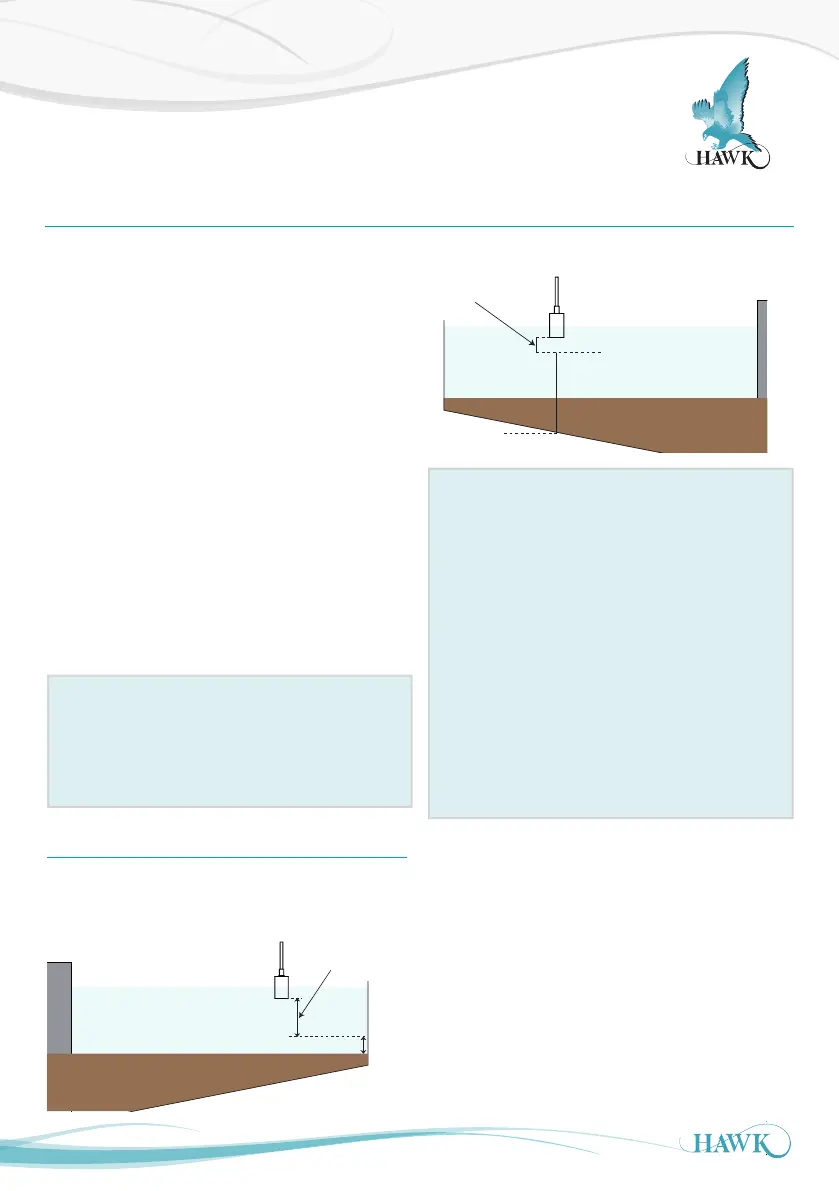
A) High and Low Level should be the same for
both App Types. High Level should not be less
than 0.600m (2ft).
B) Set App Type to 'Bed' with Density 10+g/l. This
applies our pre-set parameters to measure the
Bed level with the first output.
Set Bed Depth - see Bed Depth
(1)
Set App Type2 to 'Floc' with Density 0.6-1.2g/l.
This applies our pre-set parameters to measure
the hindered/settling layer to target with Floc
control.
App Type Notes
App Type is the primary measurement. If
measuring Bed level it should always be set to Bed
level. Density of 10+g/l is the optimum setting to
penetrate suspended material to the Bed.
High Level
20mA
0.600m
Low Level
Blanking /
non-measured
zone
Bed Depth
(Max Bed + 1m (3ft)
Max Bed
1m
1/3 Radius
1/2 Submerged
High Level
20mA
0.600m
Low Level
4mA
X.xxm
Blanking /
non-measured
zone
Bed Depth
(Max Bed + 1m (3ft)
Max Bed
1m
Bed Depth
(1)
Bed Depth should be programmed to 1m (3ft) higher
than the application expected maximum depth



 To Next Page