10 / 34
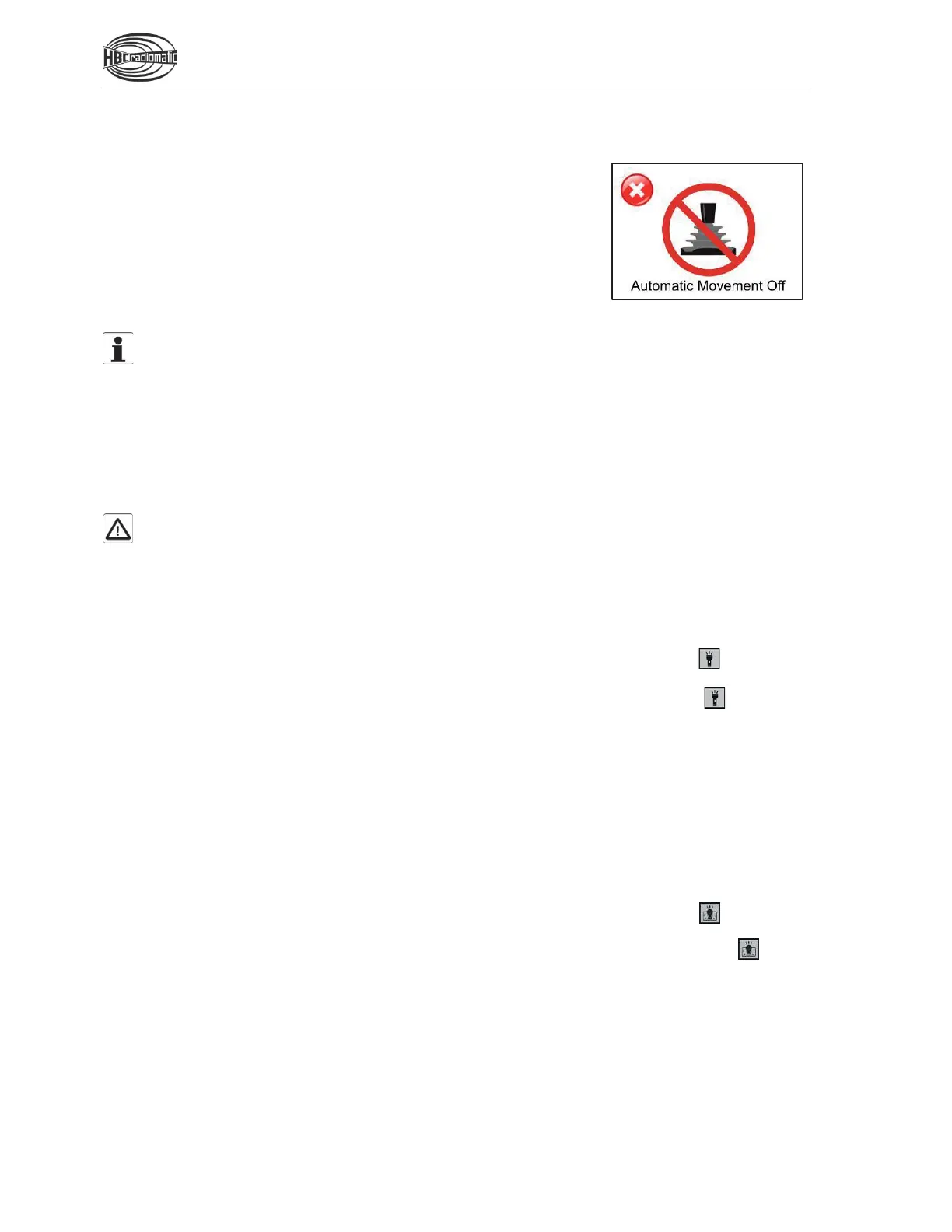
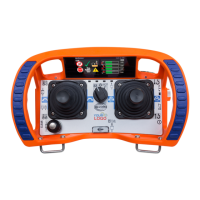
Automatic Movement Off (AMO) Function
After a defined time after the last movement command / Si 2 command has
been operated, the transmitter switches into the AMO operating mode and
no more movement commands / Si 2 commands can be executed. Si 1
commands, such as horn, can still be executed.
You can leave the AMO operating mode by pressing the start button for
one second. All operating elements for movement commands / Si 2
commands must be in zero position during this operation. This prevents
unintended machine movements when the AMO operating mode is exited.
Note:
The default AMO time is set to 5 minutes. To change the AMO time and de
-
activate the AMO
function, proceed as described in the chapter “Display Content and Functions” under “Safety
functions”.
Integrated LED Flashlight
The integrated LED flashlight is activated and de-activated by means of a switch on the transmitter or a
Softkey in the display.
Caution:
In order to avoid blinding, never look directly into the beam of light and do not point the flashlight in
the eyes of humans or animals. Irritations from blinding may result in dangerous situations, such as
overlooking obstacles or other dangerous areas.
To activate / de-activate the LED flashlight via Softkey:
1. Switch on the transmitter as described in the chapter “Activating the Transmitter”.
2. Navigate with the radiomatic
®
iCON (see also chapter “Navigation”) to the Softkey on the start
page and press the radiomatic
®
iCON.
3. To de-activate the LED flashlight, navigate with the radiomatic
®
iCON to the Softkey on the start
page and press the radiomatic
®
iCON.
Front Panel Lighting
With the front panel lighting potential dangers resulting from incorrect operation, based on poor visibility,
can be prevented. The operator switches on multiple LEDs, which illuminate the front panel, with a switch
or button on the transmitter or with a Softkey in the display.
To activate / de-activate the front panel lighting via Softkey:
1. Switch on the transmitter as described in the chapter “Activating the Transmitter”.
2. Navigate with the radiomatic
®
iCON (see also chapter “Navigation”) to the Softkey on the start
page and press the radiomatic
®
iCON.
3. To de-activate the front panel lighting, navigate with the radiomatic
®
iCON to the Softkey on the
start page and press the radiomatic
®
iCON.
Display in AMO operating mode


 To Next Page