9 / 34
With merlin
®
TUC
1. Insert a charged battery into the battery compartment.
2. Turn the STOP switch to unlock. The display shows
Apply merlin
®
TUC.
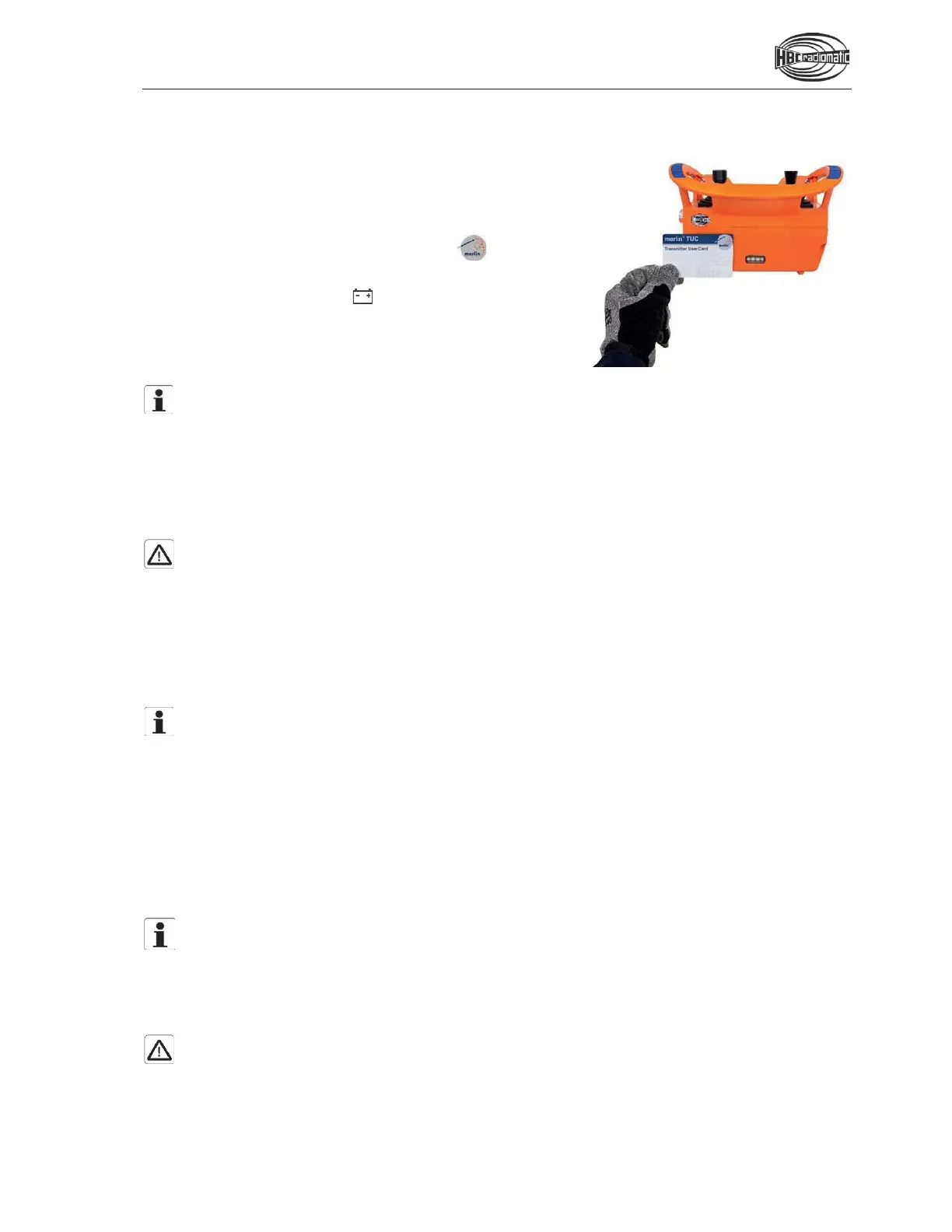
3. Hold the merlin
®
TUC to the position
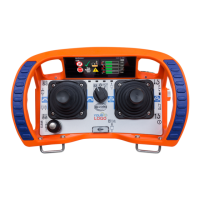
on the transmitter marked with this symbol (cf.
illustration).
The transmitter vibrates and an acoustic signal sounds.
When the status indication blinks green, the transmitter
is ready to operate.
4. Depending on the application, you must press the start
button before movement commands can be carried out.
Note:
The transmitter can only be activated with a valid
merlin
®
TUC.
If you use a card that does not match
the
respective transmitter or is not approved for this transmitter, t
he transmitter vibrates 3 times. At
the same time an acoustic signal sounds. The transmitter is automatically shut down after 2 seconds.
Please contact your superior in such cases
.
The transmitter also shuts down if the start sequence is not completed within 10 seconds.
In this case press the start button and repeat the procedure!
Caution:
Before starting work always trigger the acoustic signal. This warns all colleagues that the machine
is about to move.
Deactivating the Transmitter
Press the STOP switch.
Note:
The battery needs to be replaced if there is an acoustic signal, if the transmitter vibrates and a
respective notification appears in the display. Otherwise, the transmitter will switch off in a few
minutes.
Recharge the empty battery in the respective charger.
Automatic Power Off (APO) Function
The transmitter is equipped with an automatic power off (APO) function and will automatically shut off after
a preset time after the last command input.
The automatic power off serves to increase safety and also saves battery power.
Note:
The default APO time is set to 15 minutes.
To change the APO
time, proceed as described in the
chapter “Display Content and Functions” under “Safety
functions”. If you wish to de-
activate the
APO function, please contact your HBC service partner.
After an automatic power off, the transmitter must be reactivated as described in the chapter “Operation”.
Caution:
The automatic power off
does not relieve the operator of the responsibility to turn off the
transmitter
with the STOP switch when not in use.


 To Next Page