13
4.4 LEVELING
Once the printer is erected on an even and stable surface, it must then be leveled.
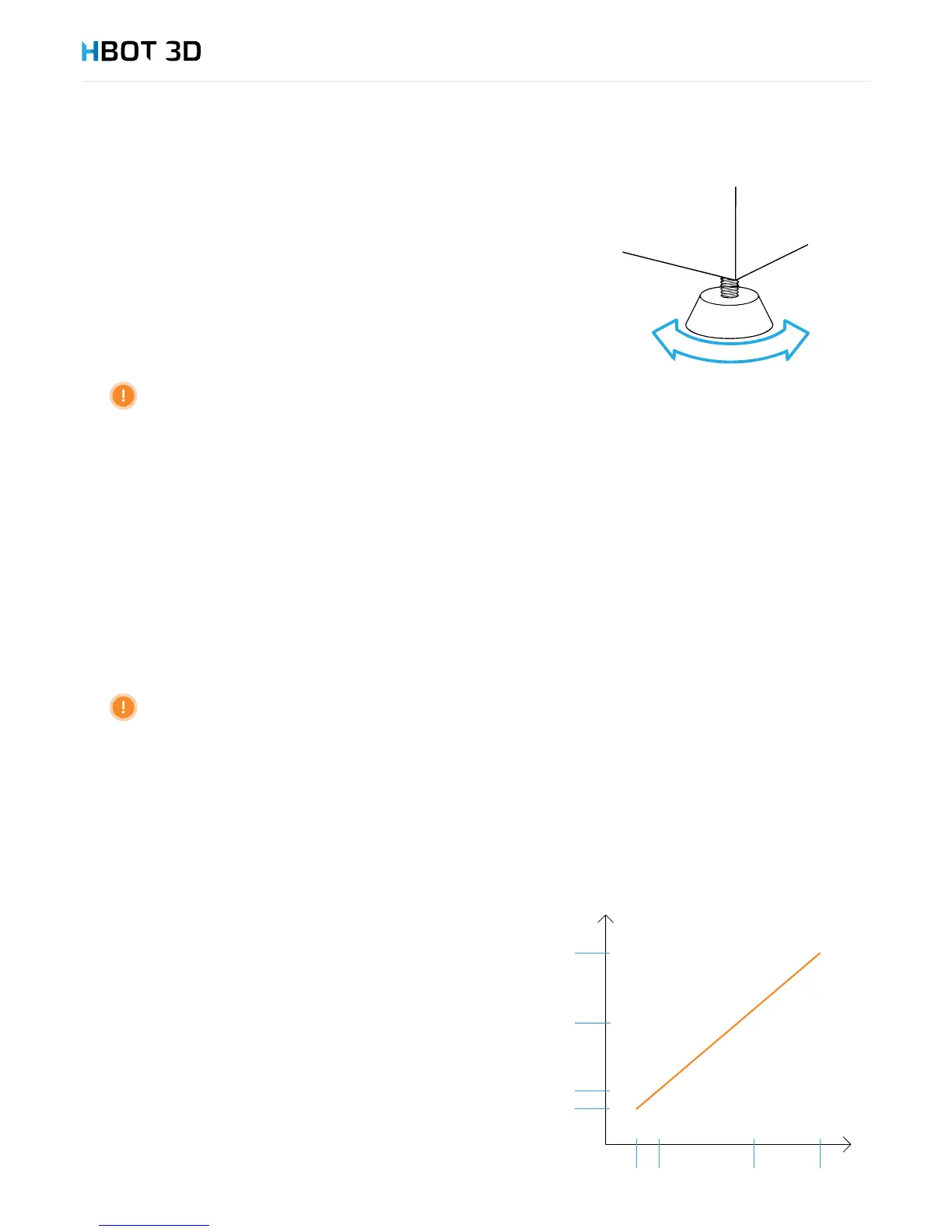
There are 4 adjustable feet at the bottom provided specically for this purpose.
Level the device by screwing the feet by hand in the appropriate direction so that
the device is perfectly level both in the x-axis (width) and y-axis (depth).
Check if the printer is resting on all four feet and stable, by pressing at each corner
one after another.
Correct placement and leveling of the device is a must to ensure fault-free operation.
4.5 POWER SUPPLY CONNECTION
STEP 1
Locate the power cord connection on the back panel of the device.
STEP 2
Locate the power switch on the right-side panel and before you power up your printer make sure that the switch is set in the “0”
position (power off).
STEP 3
Unwind the power cord and plug one end to the power cord connection of the printer. Plug the other end of the power cord to
a power outlet provided with an earth pin.
Plugging the device to a power outlet without a fully functional protective earthing is prohibited
STEP 4
Now, when the device is plugged into the power supply mains, set the power switch to the “on” (“1”) position.
STEP 5
Now, the area around the “Stand-by” button should be backlit in soft blue.
4.6 CONNECTION TO EMERGENCY SUPPLY
Your HBOT 3D F300 is suitable to operate in continuous service.
However, in the event of a long-term power outage the printing
operation is interrupted with no option to resume the process.
In environments where long-term power outages occur, the device may
(optionally) be connected to an emergency power supply (UPS) in order
to prevent such situations from happening.
The diagram shows the recommended effective power vs. expected
back-up time.


 To Next Page