18
This chapter describes all steps and workows for correct use of your printer.
5.1 PREPARING THE BUILD PLATFORM
The build platform is supplied with Dimax spray applied thereon. Before printing another print be sure to apply an adhesive layer
onto the platform.
STEP 1
Shake the container
STEP 2
Spread a thin layer of product on the entire surface of the build platform. Make sure that the platform has a room temperature!
Never use the Dimax adhesive inside the device! Remove the build platform from the printer and go to
a well ventilated room, preferably outdoors!
STEP 3
Wait until the layer applied has dried. The surface should be visibly dull
STEP 4
Install the build platform For build platform installation instruction, go to chapter PRINTER INSTALLATION – Initial commissioning –
Build platform installation on page 14.
5.2 STORING MATERIALS
Most materials used in the 3D printing process are sensitive to moisture and UV radiation, so that they should be stored in a dark place,
preferably in an airtight container with a desiccant.
5.3 LOADING MATERIAL
For tips for loading lament refer to chapter PRINTER INSTALLATION – Initial commissioning – Loading material, on page 15.
5.4 REMOVING MATERIAL
STEP 1
Select the REMOVE option from the MATERIAL menu
STEP 2
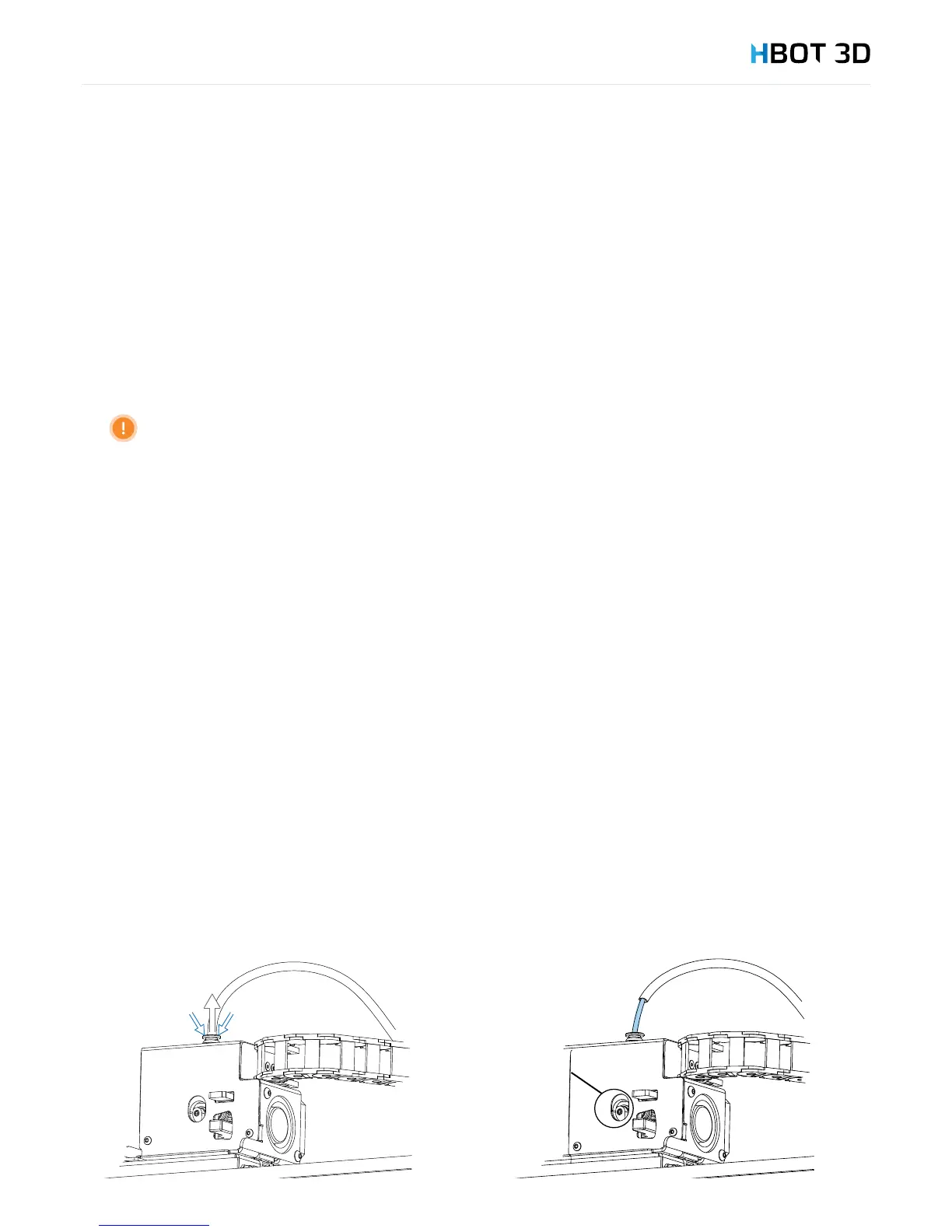
Once the message “Pull out Bowden tube from extruder entry” appears on the screen – unclamp and pull out the Teon lament
guide from extruder push-t connector and conrm on the screen, by selecting OK.
5. Description of use


 To Next Page