2 Connecting
2–4 Edition October 1998
8 Connecting TANGO/
TANGO XL to the Operating
Station
TANGO/TANGO XL has a SCSI connection.
TANGO/TANGO XL can be connected with
any other SCSI device that has a 50-pin
Centronics socket via the connection cable –
pay close attention to the length of the
cable when setting up the system. You can
connect TANGO/TANGO XL directly to the
operating station using the 50-pin Centron-
ics/DB 25 adapter supplied.
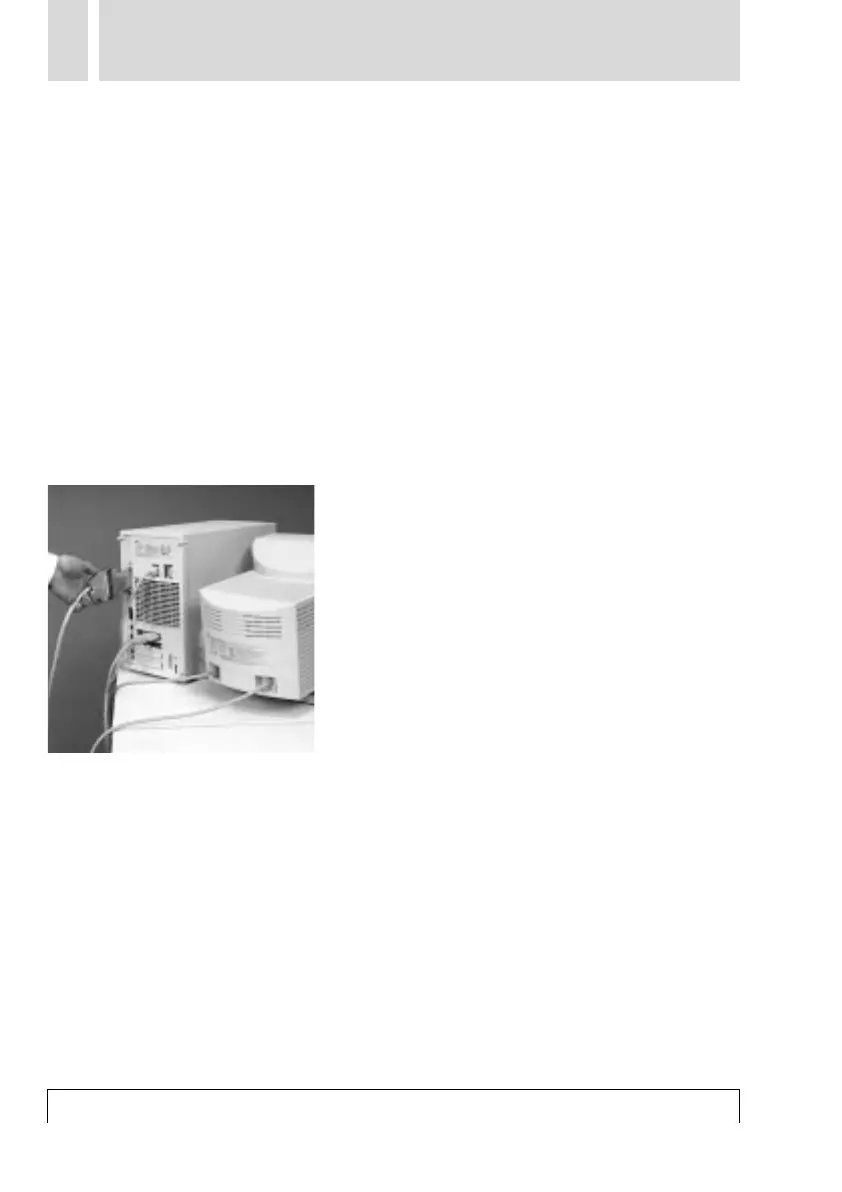
Connect the SCSI cable of the TANGO/
TANGO XL using the 50-pin Centronics/DB
25 adapter to the SCSI input of your Macin-
tosh.
If you wish to connect other SCSI devices in
addition to TANGO/TANGO XL to the SCSI
bus, TANGO/TANGO XL must always be the
last “link” in the chain, since the TANGO/
TANGO XL has a built-in terminator to ter-
minate the SCSI bus.
The maximum length of the SCSI bus must
not exceed 6 m, since otherwise faults in
operation may occur.
To maintain interference suppression regu-
lations, screened data cables must be used
exclusively. Only use cables and adapters
for connections certified by Heidelberg Pre-
press.
Pay attention to SCSI cable length!



 To Next Page