4 Operation
4–4 Edition October 1998
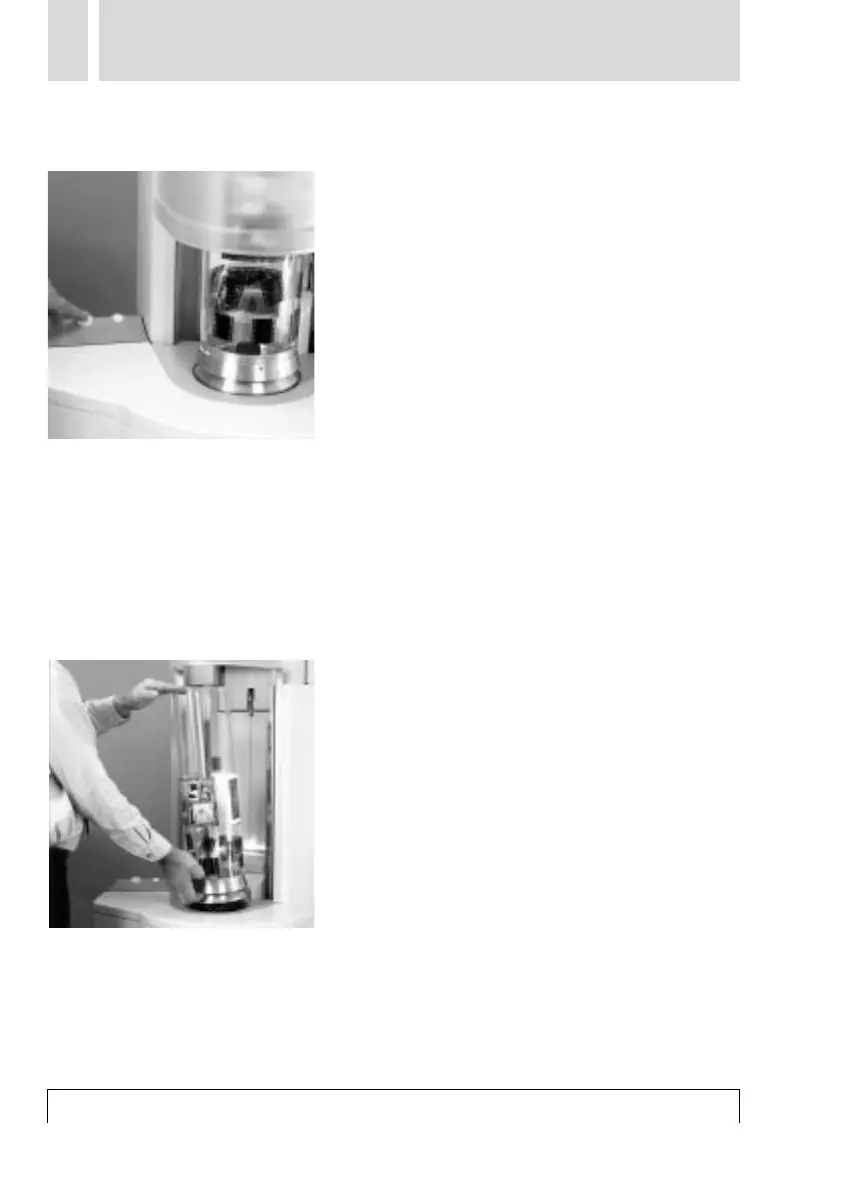
8 Scanning Drum Change
The drum change switch is used to open the
cover and release the drum for changing.
Once the drum has been changed, the cover
is closed again by pressing the key and the
drum is locked. The unit is ready for scan-
ning.
Note:
During the scanning process, the drum
change switch functions as an abort key.
The current job is aborted immediately. An
error message appears on the monitor.
■ Lamp in the switch
On: Drum change can be performed.
Off: Drum change not permitted.
Flashes: Unit is active, the unit can be stop-
ped using the switch.
The current activity is aborted.
The drum is released.
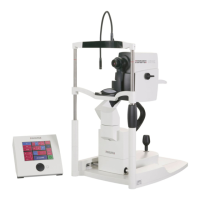
■ Removal of the scanning drum
The drum can be removed by slightly tilting
and lifting it.
You can pick up the 150-mm drum in the
flange groove (see Fig.) and the 212-mm
drum beneath the glass body.



 To Next Page