Operation
13
Start-Up
12
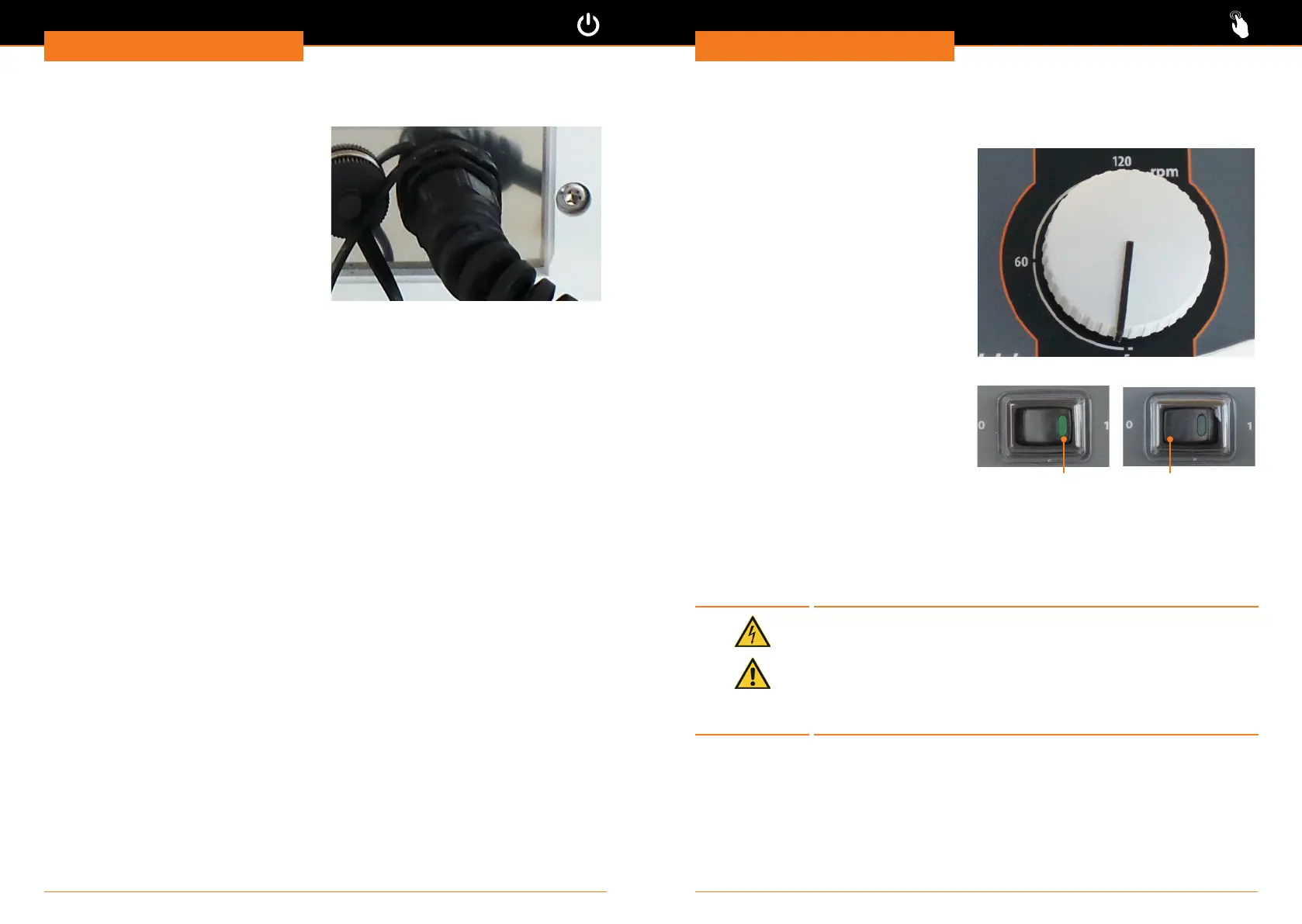
Connect/disconnect power cord
The three-wire socket is rmly connected
to the unit.
The connection is at the rear side of the
unit.
✓ The ON/OFF switch is in the “Off
“position.
➜ Connect the power cord with a
grounded socket.
➜ Disconnect the plug if the unit is not
in use.
Operation
Switch rotation on and off
Switch rotation on and off: Hei-FLOW Value
Set speed
Speed is set via rotation knob.
✓ Unit is switched on.
✓ Required direction of rotation is
activated.
➜ Turn knob to set speed.
Start rotation
➜ Press rotation switch on the right side.
✓ Control light of rotation switch
illuminates.
✓ Pumping starts.
Stop rotation
➜ Press rotation switch on the left side.
✓ Control light of rotation switch powers
off.
✓ Pumping stops
Rotation on Rotation off
Rotation switch
Switch rotation on and off: Hei-FLOW Advantage, Hei-FLOW Precision
Caution:
Possible damage of device
If device sockets are not covered, uids can get in contact with
Interface connectors. Penetrating uids can lead to malfunctions of
interface connection and could initiate a short circuit.
Sockets at the backside of device must be covered at all times.
Close sockets with attached sealing cap or connect interface cable.




 To Next Page