Operation Operation
16 17
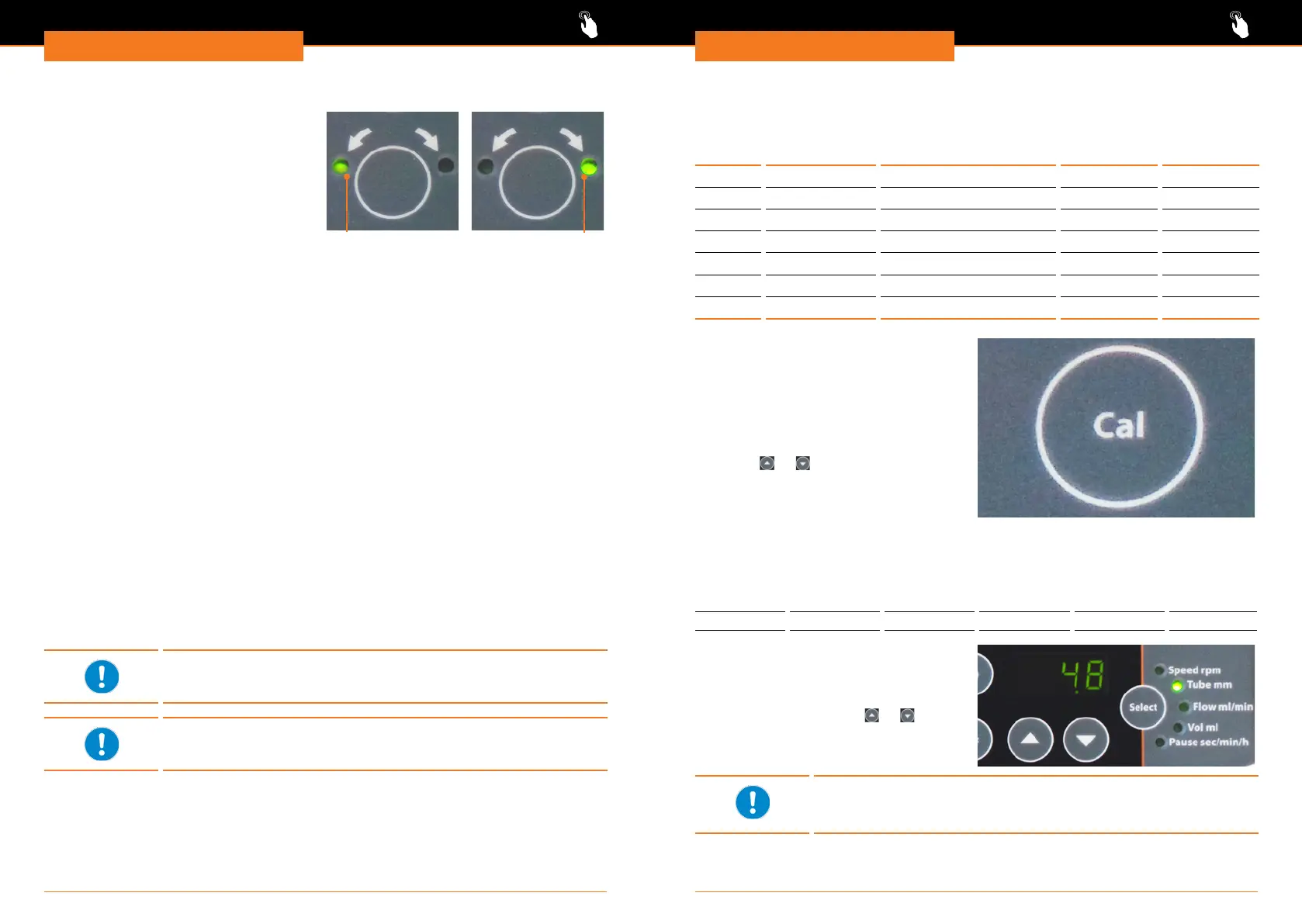
Change direction: Hei-FLOW Advantage, Hei-FLOW Precision
✓ Left control light of direction key is
illuminated.
✓ Rotation is switched off.
➜ Press direction key.
✓ Right control light of direction key
illuminates.
✓ Pump will operate clockwise.
➜ Press direction key.
✓ Left control light of direction key
illuminates.
✓ Pump will operate counter-clockwise.
Clockwise
Counter-clockwise
Additional functions Hei-FLOW Precision
On top of the standard functions you can set parameters that allow consistent process
quality.
Following parameters can be set:
▪ „Speed rpm”
sets speed of pumping;
ow per minute “Flow ml/min” will be adjusted automatically
▪ „Tube mm” (inner diameter)
allows minimum and maximum ow per minute
must be set correctly for any other parameter to be adjusted correctly
▪ „Flow ml/min”
sets the ow per minute;
speed “Speed rpm” will be adjusted automatically
▪ „Vol ml”
sets the volume to be pumped in total;
pump will be stopped automatically when volume is reached
▪ „Pause sec/min/h”
intermittent dosing allows a permanent repetition of dispensing a dened volume
Correct operation of all functions requires the correct setting of pump
head and inner tube diameter in use.
When purchasing a package with pump head, the pump head is set
correctly by the factory.
Set pump head
Factory pre-setting is SP quick (Pu 1).
Display Pump head
Hei-FLOW
Precision 01
Hei-FLOW
Precision 06
Pu 0
Multi-channel
C 8
✓ -
Pu 1 Single-channel SP quick
✓ ✓
Pu 2 Single-channel SP standard / SP vario
✓ ✓
Pu 3 not assigned -
✓ -
Pu 4 not assigned -
✓ -
Pu 8 Multi-channel C 12
✓ -
Pu 9
Multi-channel
C 4
✓ -
➜ Switch unit off at main switch.
➜ Press „Cal” key and hold pressed.
➜ Switch unit on at main switch.
✓ Display shows actual setting of pump
head.
➜ Release „Cal” key.
➜ Select required pump head via arrow
keys
or .
➜ Conrm selection by pressing „Select”
key.
Set tube
Possible inner diameters of tubes:
(also see chapter „Technical data, Selection table tubes”)
0.8 1.7 3.1 4.8 6.4 7.9
✓ Unit is switched on.
➜ Press „Select” key repeatedly, till
indicator light „Tube mm” illuminates.
➜ Select required inner diameter of tube
in use via arrow keys
or .
➜ Conrm selection by pressing „Select”
key.
A blinking indicator light „Vol ml” during setting of tube diameter
shows that the device adjusts volume to required minimum of new
diameter.




 To Next Page