Jumbo Version: JUM-EN-UL-0 23-03-15
5.5.1.1. External vacuum option (SPDC)
EXPLANATION
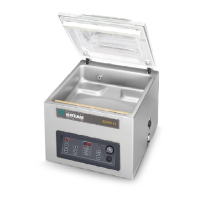
With this function vacuum can be applied to special food packaging
gastronorm containers outside the machine
First check whether the container is resistant to a vacuum and can retain this
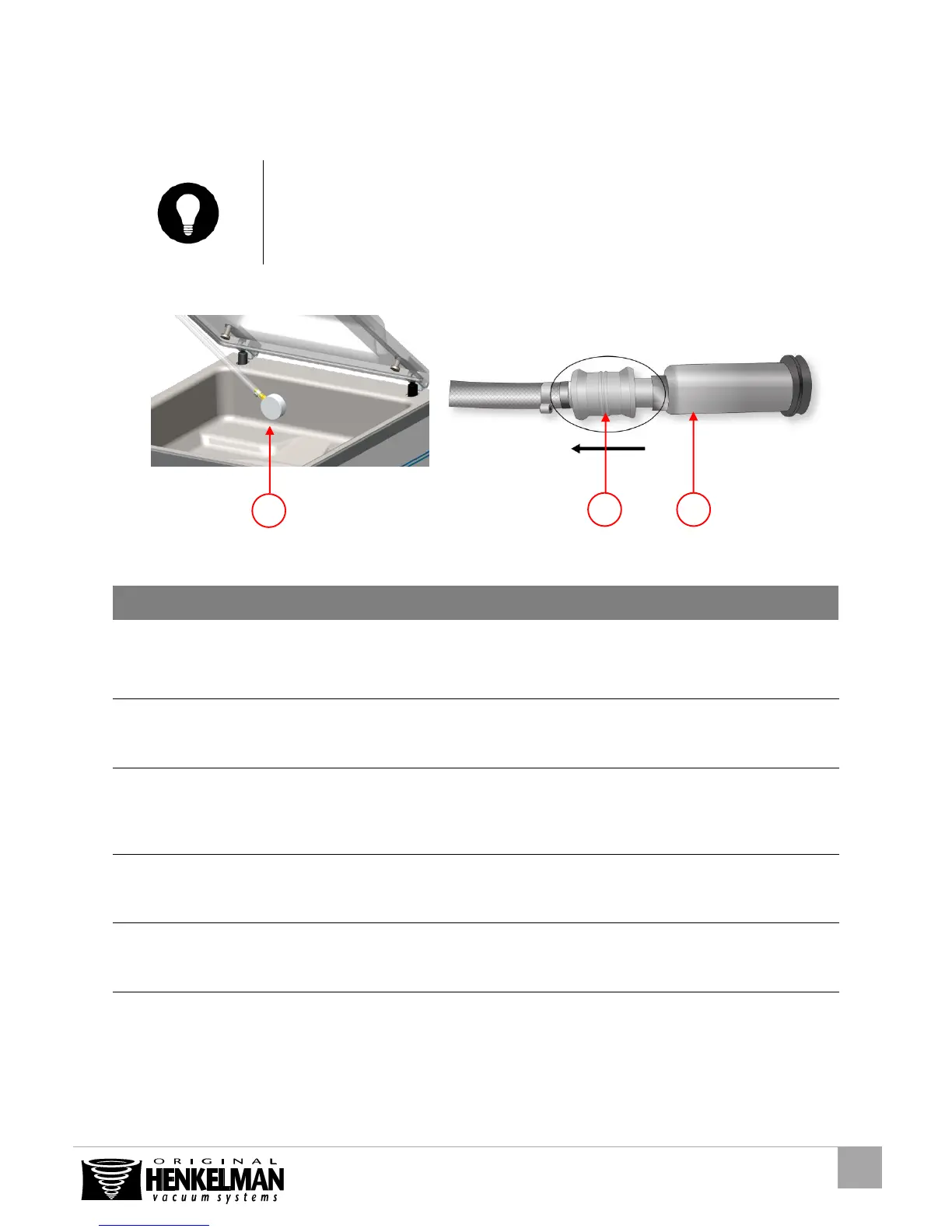
Figure 7: External vacuum adapter kit (SPDC)
Select the external
vacuum program
Press the oil cleaning program key (Figure
6:2)
Press the cursor key (Figure 6:1)
“C” appears in the display
“E” appears in the display
Connect the external
vacuum hose to the
machine
Place the adapter over the suction hole in
the vacuum chamber (Figure 7:1)
Connect the external
vacuum hose to the
container
Connect the vacuum hose adapter (Figure
7:3) on the valve of the container. And
slide the valve (Figure 7:2) in the direction
of the hose (closed position)
Vacuum will be applied
until the programmed
value is reached
Stop the process
when the desired
vacuum is reached
Disconnect the
external vacuum hose
from the container
Slide the valve of the adapter in the
direction of the package (open position)
and remove the hose
Hose will be
disconnected from the
container and can be
removed



 To Next Page