User manual Urispec
®
Plus
13
Manual Urispec
®
Plus V2.01 HS USA / 04-19
3.4. How to plug the instrument in
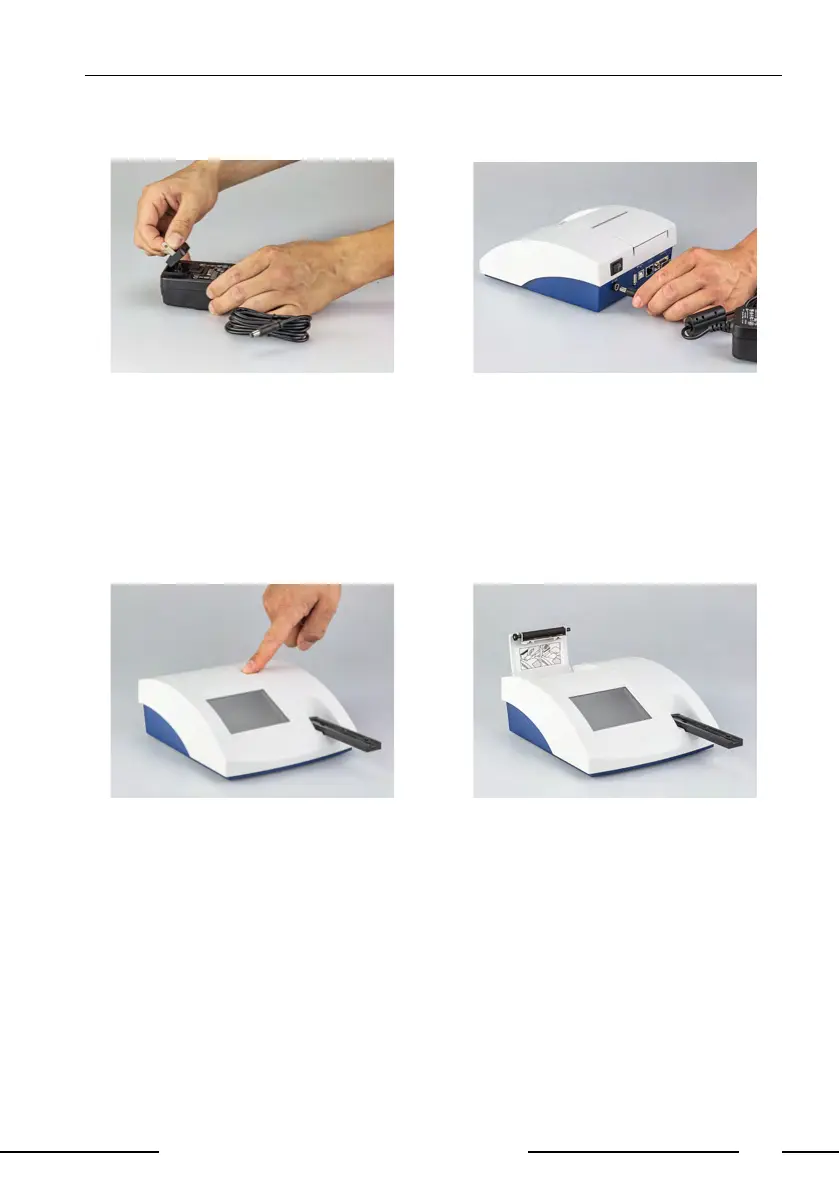
Pic. 5: Power pack Pic. 6: DC in
An adapter is provided for adapting the power pack to the available mains con-
nection. The adapter matching the mains connection is plugged on to the power
pack (Pic. 5). After plugging the power pack cable into the jack "DC in" (Pic. 6)
and connecting the power pack to the power socket the Urispec
®
Plus is ready
for operation.
3.5. How to load the printer paper
Pic. 7: Printer A Pic. 8: Printer B
Open the printer ap by pressing the rectangular key next to the paper outlet
(Pic. 7).



 To Next Page