User manual Urispec
®
Plus
5
Manual Urispec
®
Plus V2.01 HS USA / 04-19
1. Quickstart
Unpack the instrument and place it on an even, hard surface. Connect the pow-
er supply and turn the equipment on with the On/Off-switch (Pic. 4-8). After the
self test you will be able to select a strip type. Once you select the strip you want
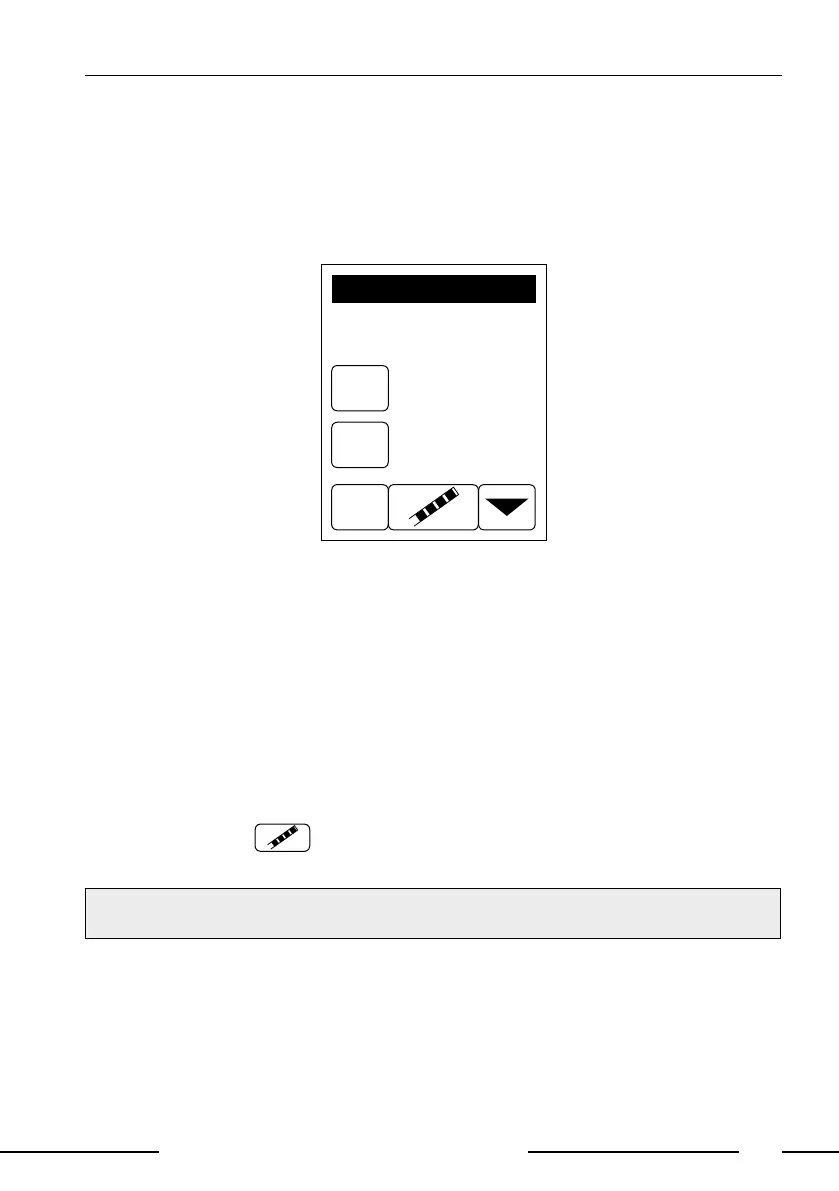
to use, or after 15 s, the start screen will appear,
0001
1025358
SN:
ID:
(P)
INSERT STRIP!
Urispec 11-Way
Display 1: Start menu
• Dip a test strip (Urispec
®
urine test strip) into the urine sample for approx. one
second.
• Blot by touching the edge of the strip to a paper towel to remove excess urine.
• Place the strip on the strip holder
• Slide or push the strip to the end of the channel. Do not touch the reagent
pads on the test strip.
The instrument will automatically detect an applied strip. The measurement cy-
cle will be started. A progress bar on the display shows the remaining measure-
ment time.
Note: If "Autostart" is deactivated, the measurement must be started using the
start control panel
(see 10.5. How to deactivate and activate the auto-
start, page 32).
NOTE:
The strip will be drawn into the instrument after 30 sec.



 To Next Page