User manual Urispec
®
Plus
22
Manual Urispec
®
Plus V2.01 HS USA / 04-19
5.6. Changing the sequence number ("SN")
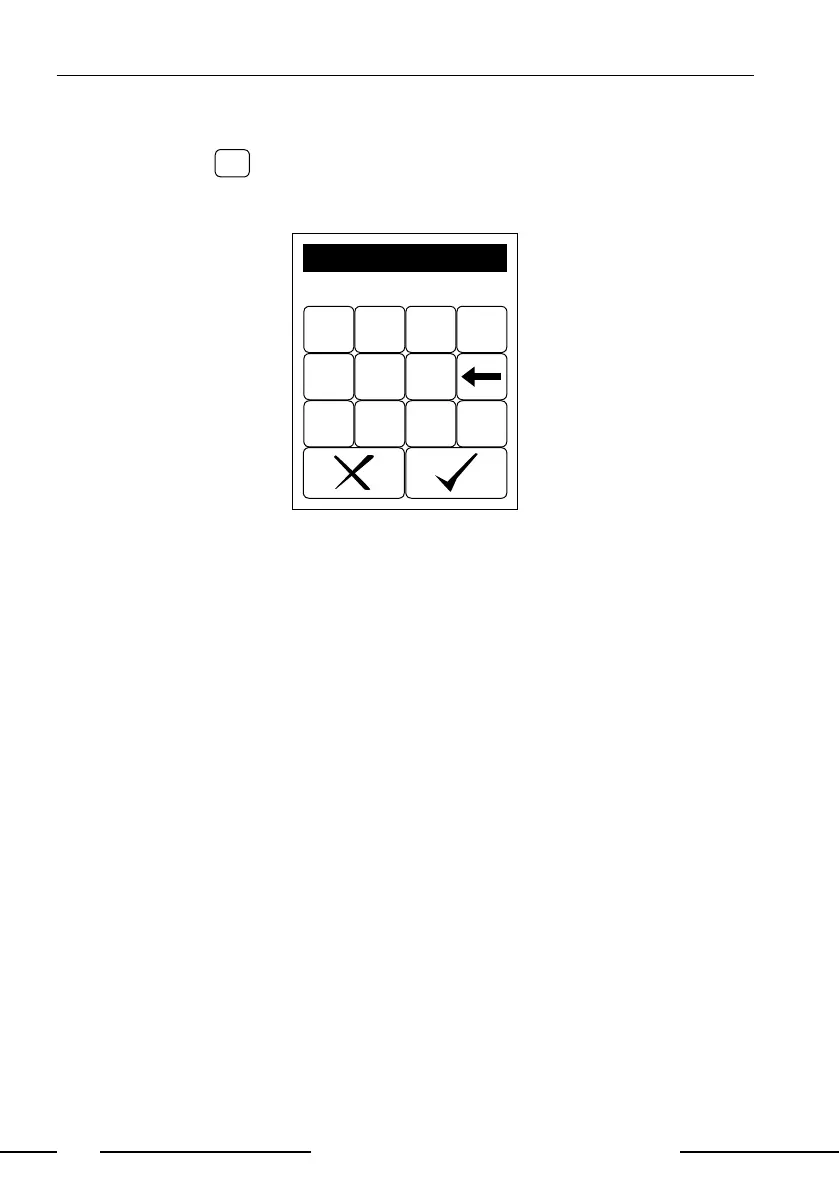
Pressing the eld
in the start menu brings up a numerical pad. Enter a new
sequence number using the keys on the pad. All following measurements will
now be counted from this number on.
7 8 9 0
4 5 6
1 2 3
ABC
Seq.No.
1234
Display 7: Seq.-Input
5.7. Transferring data to a PC
The results may be transferred to a PC via the USB- or RS232-interface.
A detailed description of the interface can be found in Chapter 14. Interface
Description.



 To Next Page