User manual Urispec
®
Plus
20
Manual Urispec
®
Plus V2.01 HS USA / 04-19
5.3. Display of Results
The sequence number (Seq.No.) as well as the patient identication (ID) will be
displayed with the results.
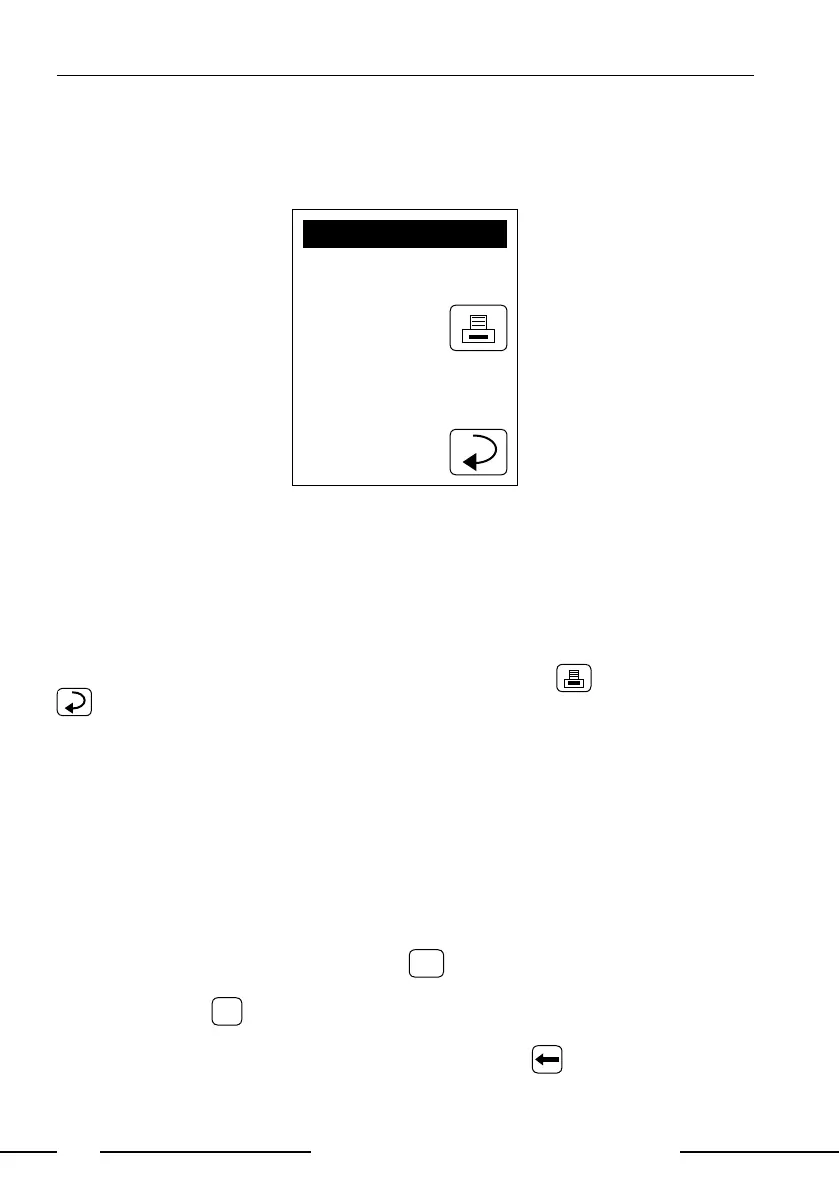
RESULT
Seq.No: 0001
ID: 1234567890
2006.02.17 9:47
*BLD 10 ERY/uL
UBG NORM
BIL NEG
PRO NEG
NIT NEG
KET NEG
*GLU 50 mg/dL
pH 5.0
SG 1.005
LEU NEG
Display 4: Result
Positive ndings are clearly marked by an asterisk (*) on the printout and on the
display. Additionally, it is possible to enable an acoustic signal on positive nd-
ings.
The printout is light-sensitive and may turn yellow when exposed to light during
storage. For archiving purposes the printouts should be kept in a dark place
(patient le) or as a photocopy.
The result displayed may be printed again by pressing . The return panel
will lead back to the start screen.
5.4. Measurement Errors
If the display shows "Measuring Error ..." instead of a result please read the
instructions (see 15. Error Messages and Fault Clearance, page 39).
Repeat the measurement. In case of permanent errors please contact HENRY
SCHEIN service.
5.5. Entering the Patient Identication
The patient identication needs to be entered before starting the analysis. This
can be done as follows:
a) Directly on the equipment: Pressing
in the start menu brings up an al-
phanumeric keypad. Enter the ID using the keys. To enter characters (i.e.
"Miller”) press
ABC
to change the character entry. Repeated pressing on the
same eld within 0.5 seconds switches through the characters displayed on
the key. Wrong entries may be erased by pressing .



 To Next Page