User manual Urispec
®
Plus
26
Manual Urispec
®
Plus V2.01 HS USA / 04-19
7.2.2. Selecting Search Criteria
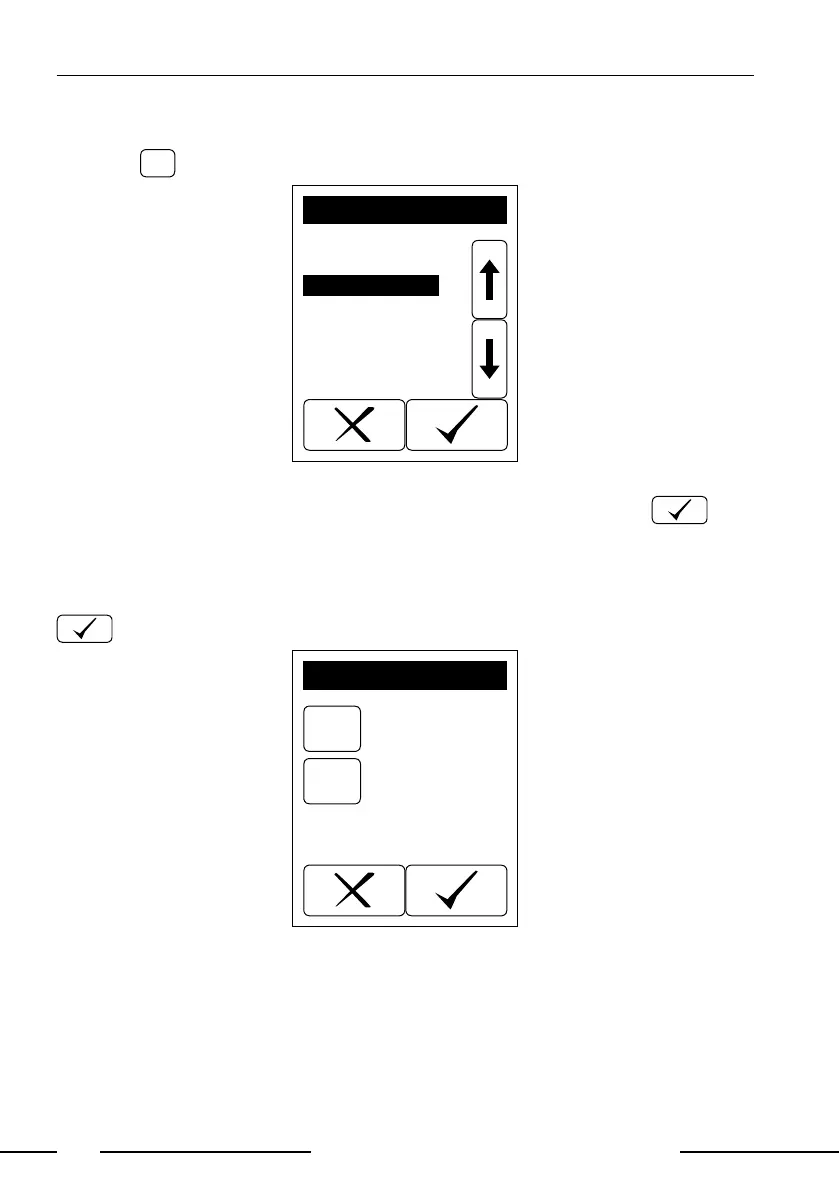
Pressing
brings up Display 15.
ID
Seq.No.
Positive
Not printed
Not sent
All
SELECT PARAMETER
Display 15: Select parameter
Use the arrow keys to select the desired criteria and conrm with . The
lter criteria will be displayed on lter settings screen (Display 16).
7.2.3. Display suitable matches
After setting "Day" and "Parameter" the search may be started by pressing
.
Day
PAR
SET FILTER PAR.
Today
Positive
Display 16: Filtering



 To Next Page