User manual Urispec
®
Plus
24
Manual Urispec
®
Plus V2.01 HS USA / 04-19
7. Recall results
The Urispec
®
Plus has has an internal memory for storage and recall of mea-
surement results. Every result is automatically saved after the analysis. When
the memory is full, new data will overwrite the eldest saved dataset.
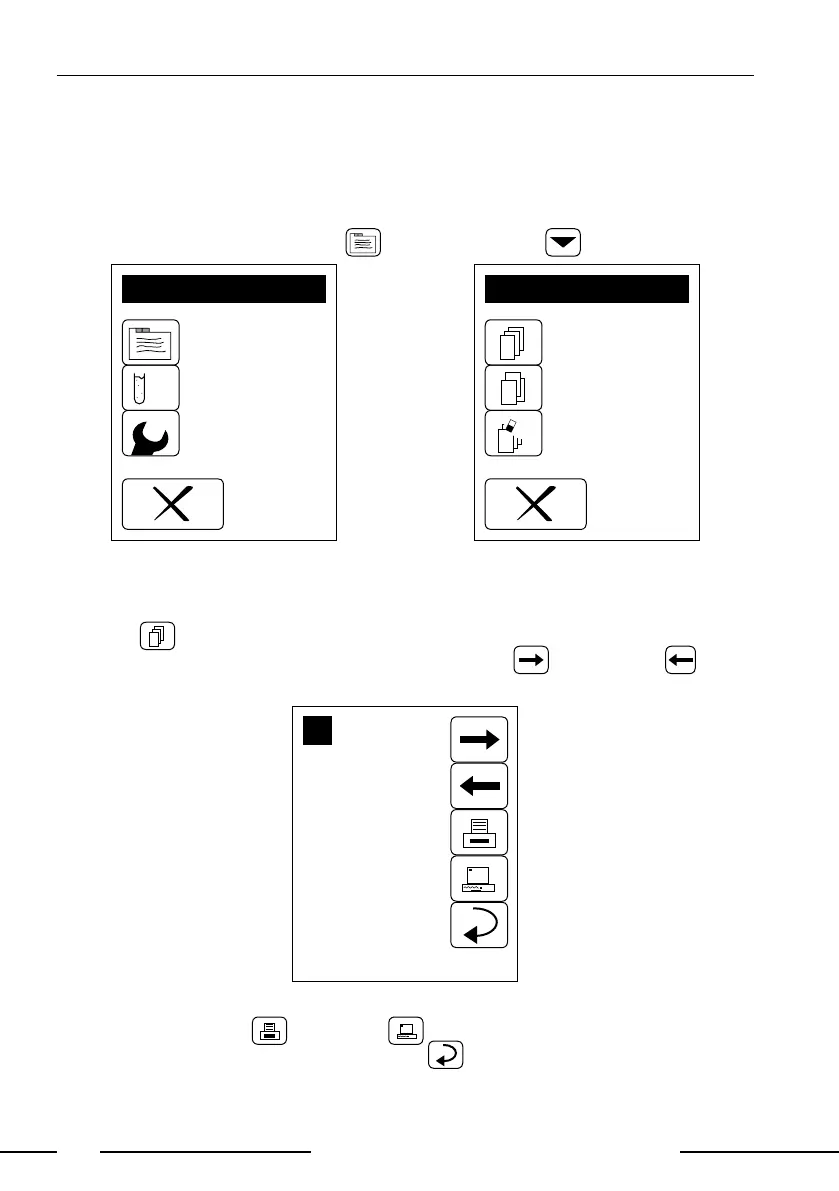
Access the memory by pressing in the Main menu .
MENU
Memory
Settings
Check mode
Display 10: Main menu
MEMORY MODE
List
Clear
Search
Display 11: Memory mode
7.1. How to scroll through memory
Pressing will bring up Display 12. Scrolling through the memory is possible
by pressing the arrows on the right side. The next or previous result
will be displayed.
x
2
Seq.Nr: 0001
ID: 1234567890
2006.02.17 9:47
*BLD 10 ERY/uL
UBG NORM
BIL NEG
PRO NEG
NIT NEG
KET NEG
*GLU 50 mg/dL
pH 5.0
SG 1.005
LEU NEG
Display 12: Memory contents
It is possible to print and send
x
the dataset displayed. The memory
menu will reappear upon pressing Return .



 To Next Page