User manual Urispec
®
Plus
31
Manual Urispec
®
Plus V2.01 HS USA / 04-19
10. Equipment Settings
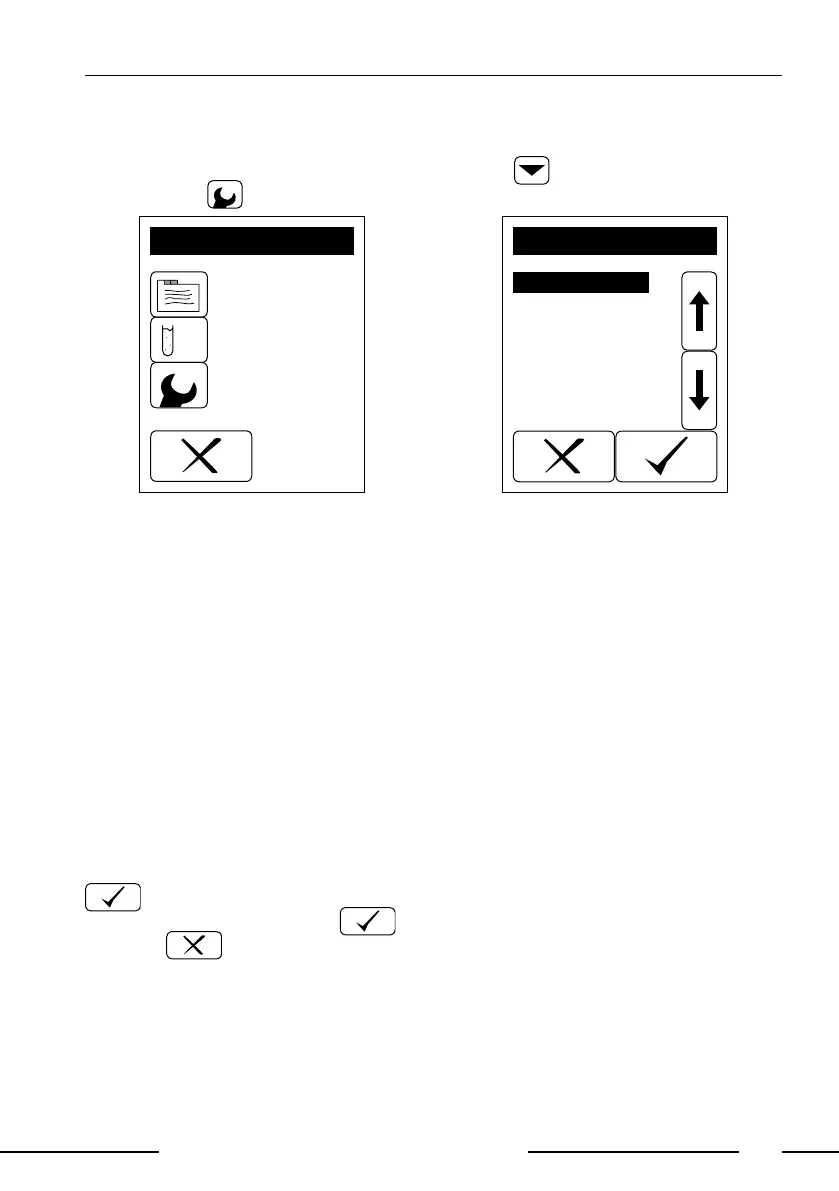
Enter the main menu by pressing the menu key to reach the "SETTINGS"
display press .
MENU
Memory
Settings
Check mode
Display 21: Main menu
Strip
Password
Printer
Sound
Autostart
Battery
Language
Date/Time
Interface
SETTINGS
Display 22: Settings
10.1. How to modify strip settings
10.1.1. Units
The Urispec
®
Plus can report the results in different units:
• Conventional (e.g. 10 mg/dL)
• SI (e.g. 56 mmol/L)
• ARB, Plus-System (e.g. +++)
• Conventional + ARB
• SI + ARB
Choose the desired unit from the selective list.
10.1.2. Order of Parameters
The output order of the parameters may be customised via a selective list. The
parameters need to be selected in the desired order and conrmed by pressing
. After the last parameter the equipment will ask whether the setting is to
be saved. Save by pressing or go back to the preprogrammed order by
pressing .
10.2. How to protect settings from unauthorized access
Select "Password" in the settings menu if you want to protect the instrument
settings with a PIN. An option panel with the possibilities "ON" and "OFF" will be
displayed. Selecting "ON" will enable the PIN-protection.
After enabling the PIN-protection a numerical pad will appear. Enter a 4-digit



 To Next Page