User manual Urispec
®
Plus
15
Manual Urispec
®
Plus V2.01 HS USA / 04-19
3.7. Use of the instrument
All user inputs are done via a touch-screen (touch-display). All functions are
activated directly by slight pressure with the nger on explicit pictograms or text
representing the menu items.
3.7.1. Buttons
Framed areas react to pressure and trigger the action linked to it. The caption of
an area describes its function.
Examples:
Conrm / perform action
Cancel action
e.g. display of equipment settings
3.7.2. Scroll Arrows
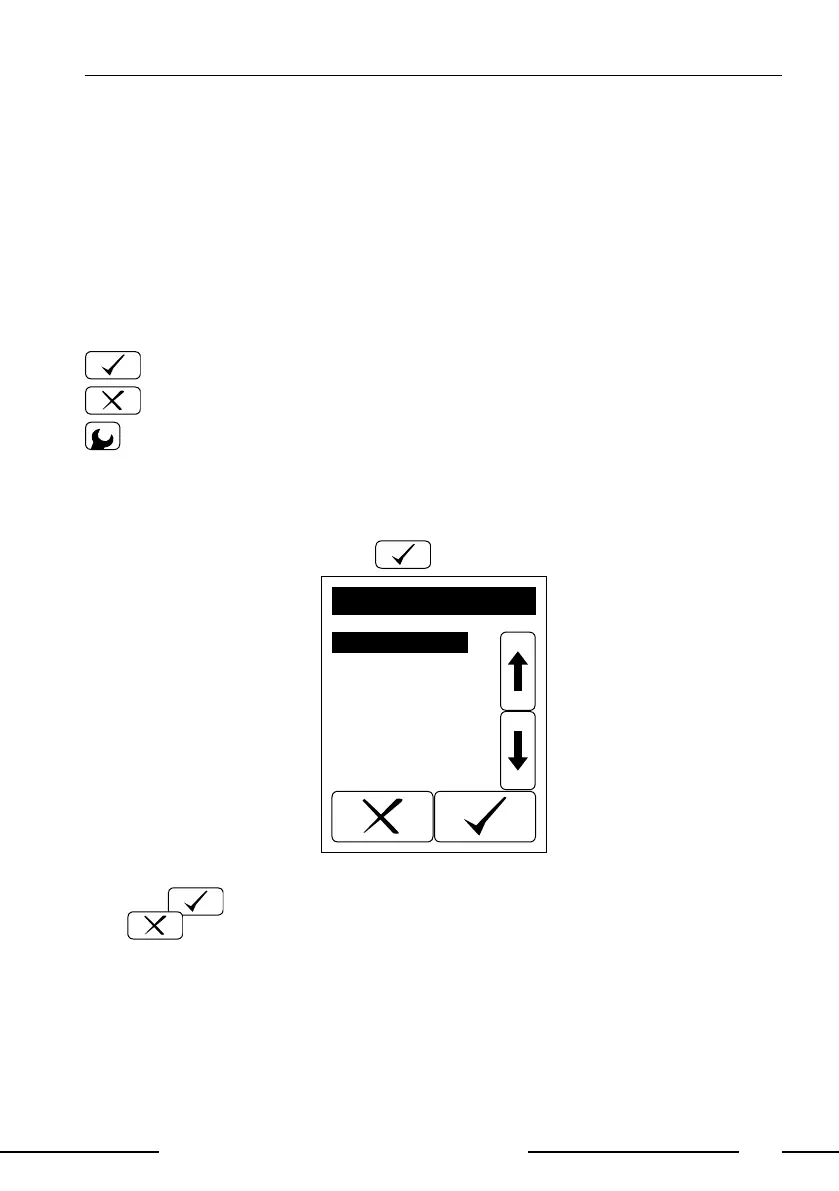
Press the up-and-down arrows on the right side of the screen to scroll through a
list of information on the left side of the screen. Once the desired information on
the left side is highlighted, press to conrm your selection.
Strip
Password
Printer
Sound
Autostart
Battery
Language
Date/Time
Interface
SETTINGS
Display 3: Selective lists
Pressing will select the highlighted line. You can leave the menu by pres-
sing .



 To Next Page