User manual Urispec
®
Plus
25
Manual Urispec
®
Plus V2.01 HS USA / 04-19
7.2. How to nd specic results (ltering)
To nd the result you may select the date of the measurement and a specic
parameter.
SET FILTER PAR.
Day
PAR
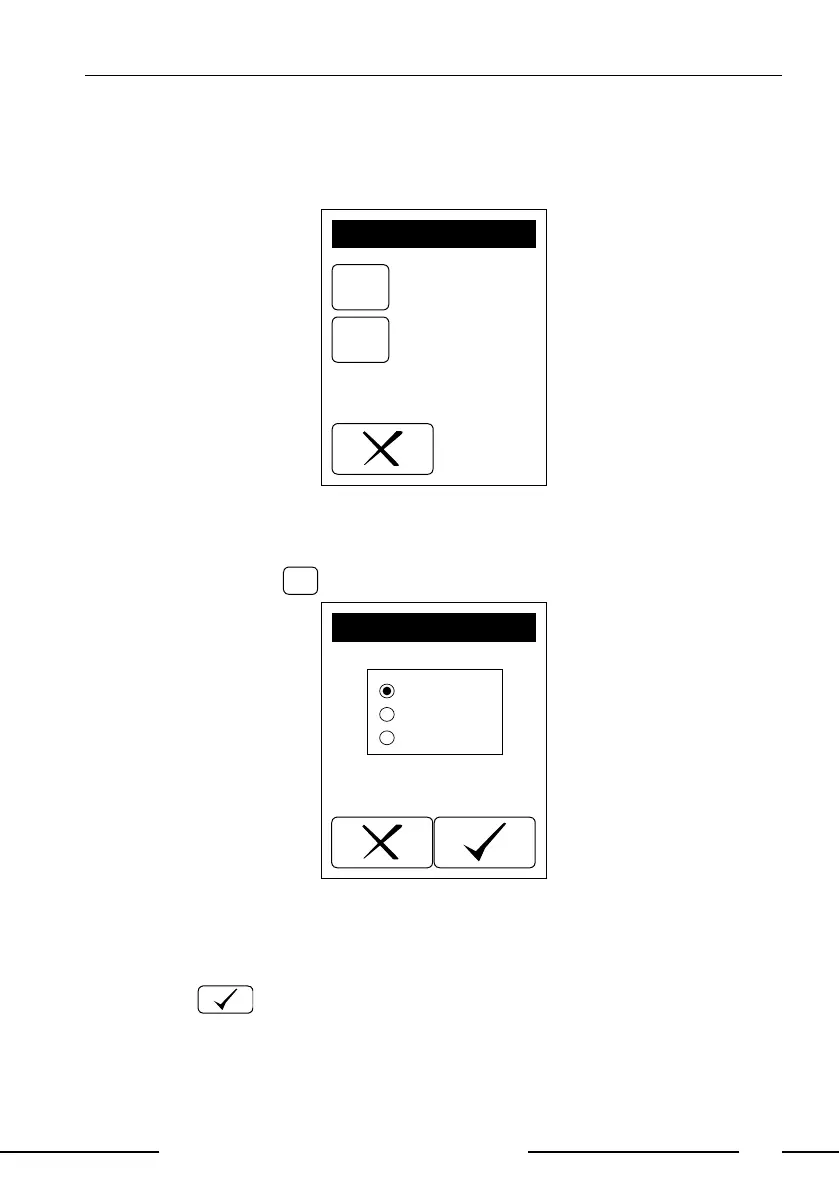
Display 13: Filtering
7.2.1. Selecting the Day
By pressing the panel
you will reach the menu displayed below.
DAY
Today
All
Date
Display 14: Select day
Set the day with the buttons. Selecting "Date" will bring up a screen with the
list of available dates (only days with measurements are shown on the screen).
Select the desired date with the up-and-down arrows and conrm your selection
by pressing . After conrmation your selection will be displayed on the
screen 'SET FILTER PAR.'



 To Next Page