User manual Urispec
®
Plus
37
Manual Urispec
®
Plus V2.01 HS USA / 04-19
13. Service Menu
Urispec
®
Plus has a password protected service menu. To enter the service
menu press the touch-screen three times during the self test after turning the
equipment on. Upon request input the PIN "1111".
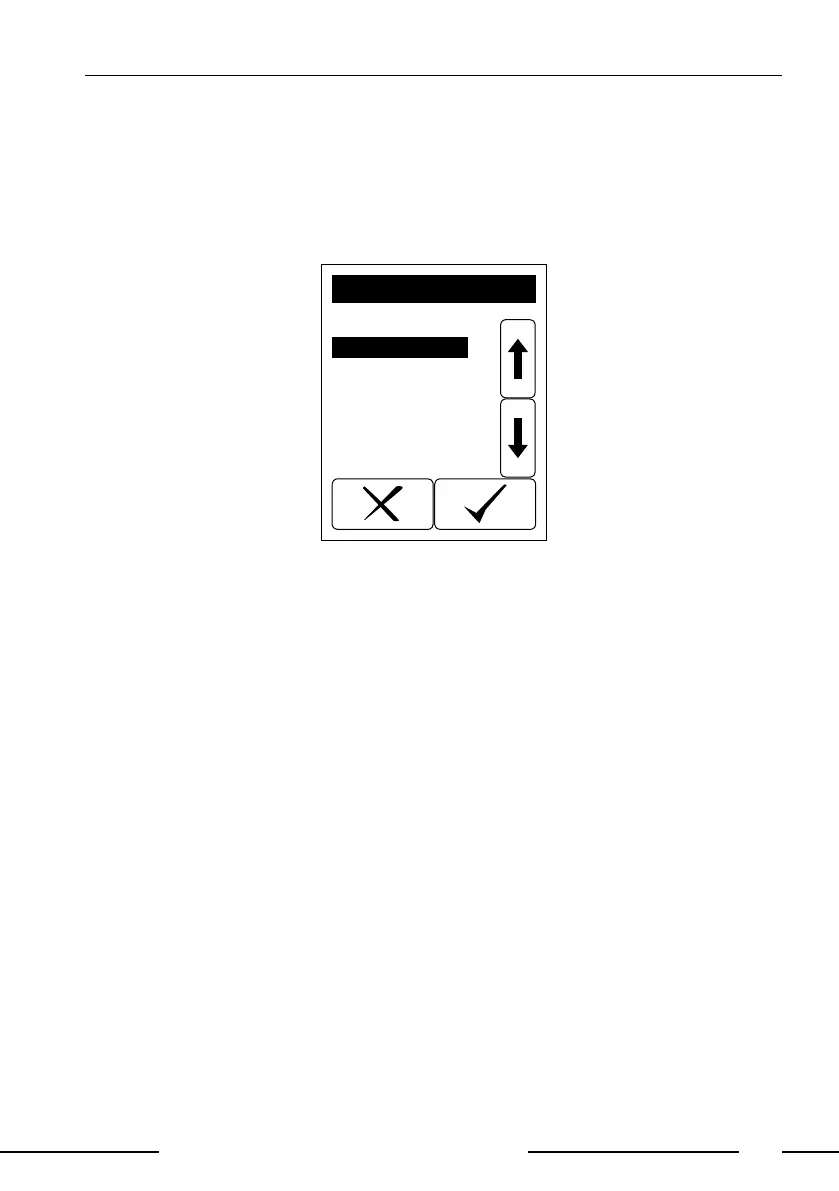
A selective list with different menu items appears.
Load Default
Program update
SERVICE
Display 24: Service menu
13.1. How to reset the system (Load Default)
Select "Load default" from the service menu. The instrument will be reset to
delivery status. All settings modied by the user as well as the memory will be
cleared!
13.2. How to update the instrument
Select "Program update" from the service menu. The Urispec
®
Plus now ex-
pects the upload of a new rmware. Follow the instructions that come with the
update-le to nalize the update process.



 To Next Page