HERMOS AG
Gartenstraße 19 • 95490 Mistelgau
Phone: +49 9279 991 - 0
E-mail: rfid@hermos.com
back to the table of contents
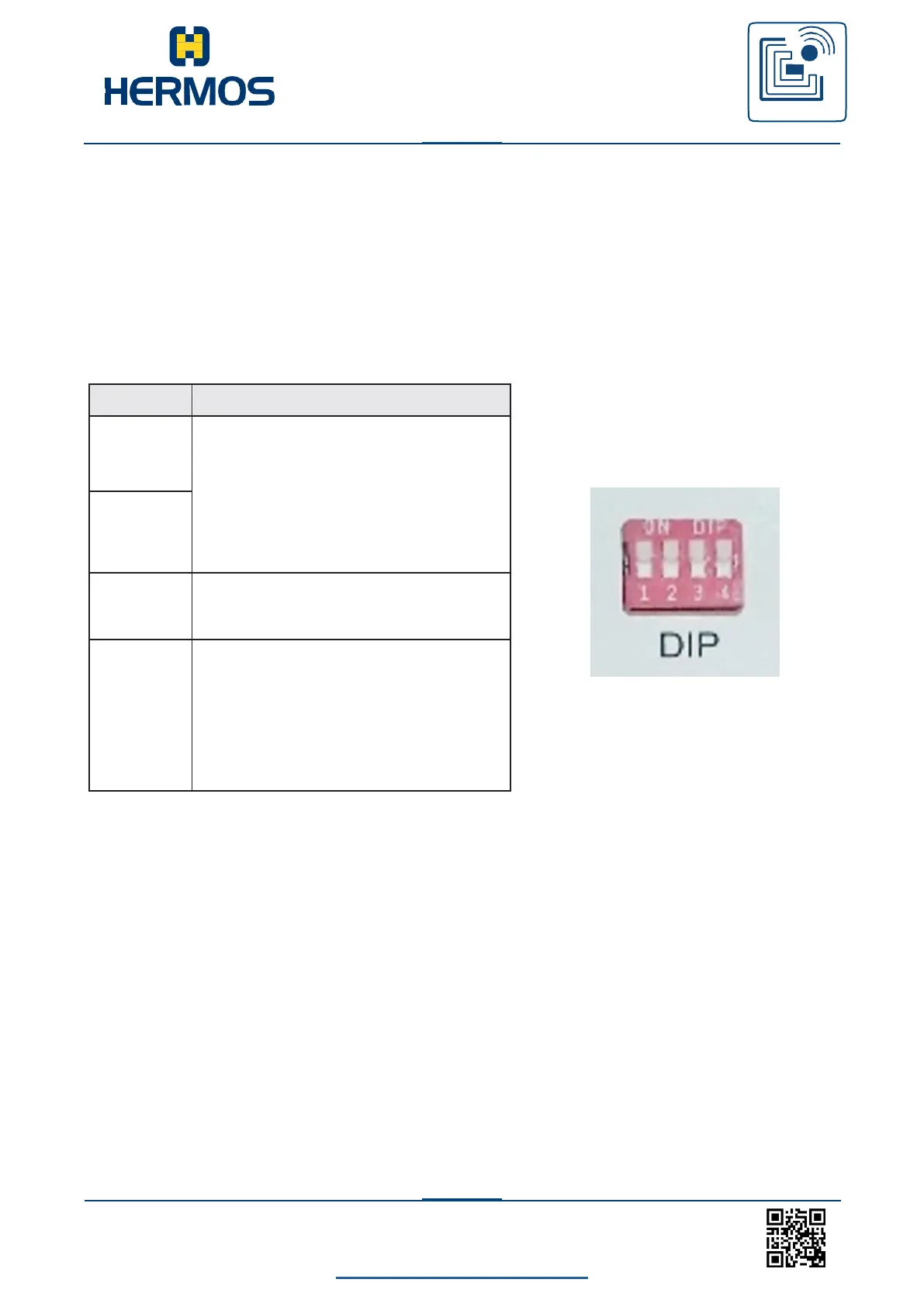
7.7 DIP-switch
Test mode can be activated via the 4 DIP switches on the device. In test mode, a
continuous reading operation is performed at the set antenna port and the result
of the reading operation is displayed on the status LED.
The test mode is activated by setting DIP switch 3DIP switch 4 can be used to
select between test reading and test writing The selection of the antenna port is
changed using the DIP switches 1 and 2.
Antenna connection selection
off, off … Antenna connection 1
off, on … Antenna connection 2
on, off … Antenna connection 3
on, on … Antenna connection 4
off: Operation mode
on: Activated test mode
DIP 3 off: Deactivated test mode
off->on Start Antenna Tuning
DIP 3 on: Activated test mode
Selection of the test function:
off = Read, on = Write



 To Next Page