HERMOS AG
Gartenstraße 19 • 95490 Mistelgau
Phone: +49 9279 991 - 0
E-mail: rfid@hermos.com
back to the table of contents
1. Select your network interface if you have several options on your PC.
2. Your network is automatically scanned for all HERMOS reading devices using the
„Search Devices“ button.
3. Select the desired reading device in the list to open the network settings.
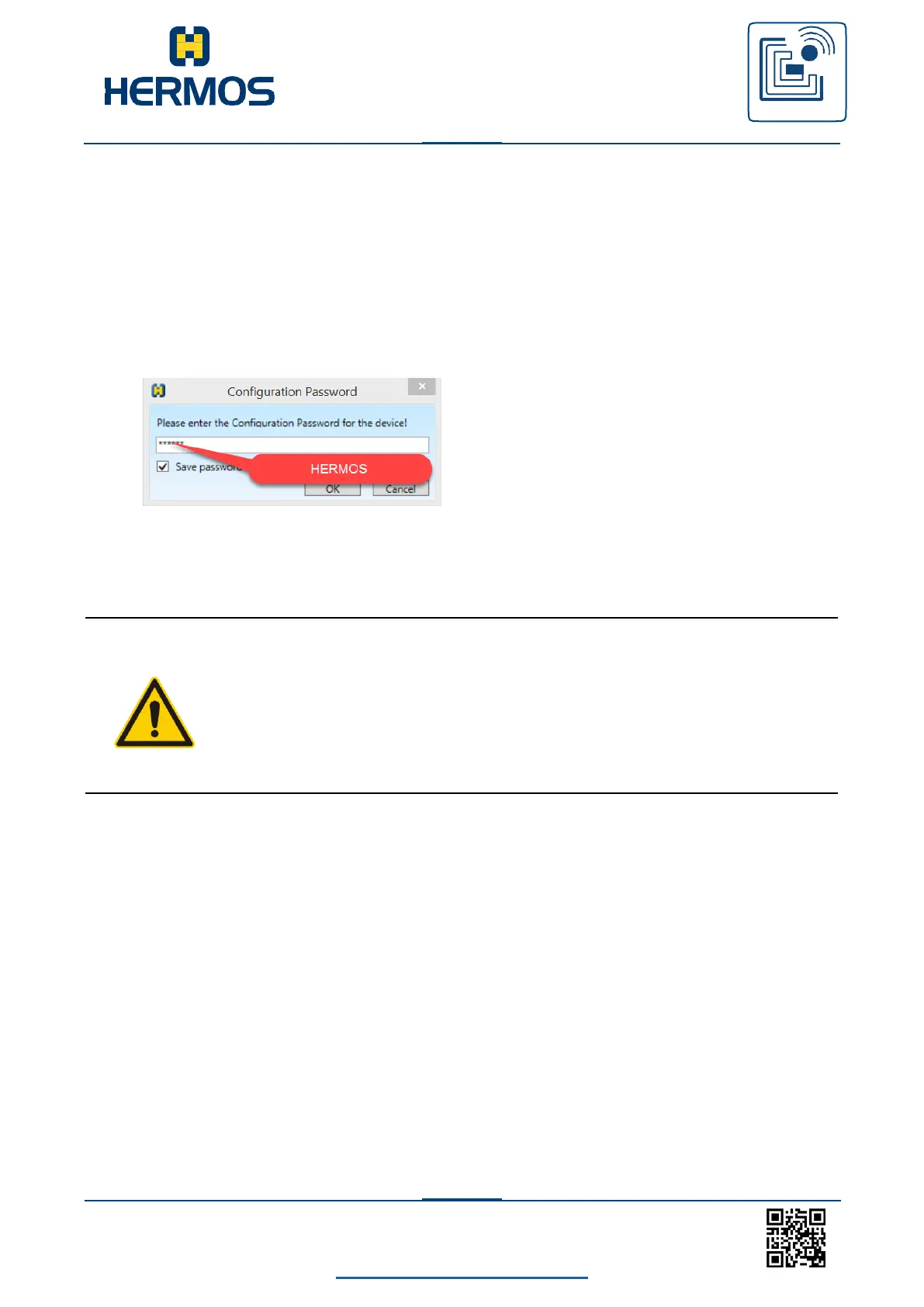
Here, you can edit the network settings and apply them to the
reading device by pressing the respective button. Use „HERMOS“ if
you are asked to enter a password!
After parameters are changed, the reading device reboots and can be read in using
„Search Devices“.
CAUTION
Changing network settings generally cause the reading
device to reboot. This closes an existing HSMS host
connection.



 To Next Page