Driving with i3s switch in “OFF”
position:
While driving in very dense traffic where the
vehicle has to encounter a stop and go
situation, the i3s switch can be put to “OFF”
position. Once this is done, the i3s system will
not work and the vehicle will be in normal
operating conditions as other vehicles and no
special functions will be performed.
NOTE
•
The i3s system will not function if rider
puts the i3s switch to”OFF” position,
immediately after starting the engine.
•
If the battery voltage is low, the i3s system
will not work. The i3s indicator on the
speedometer console will start to blink. The
vehicle will be in normal operating
conditions and no special functions will be
performed. The rider can start vehicle by
using kick.
•
If the vehicle is driven without battery or
with the dead battery, the i3s system will not
work. The i3s indicator on the speedometer
console will start to glow continuously. The
vehicle will be in normal operating
conditions as other vehicles and no special
functions will be performed. The rider can
start vehicle by using kick.
Application:
(b) Hero ride guide/Navigation
Hero navigation application (1) is available in
the google play store (for androids) or App
Store (for iOS), which can be installed in your
device to access bluetooth, incoming calls
alerts, missed call alerts, mobile low battery
alert, and navigation features.
•
Turn the ignition switch “ON”.
•
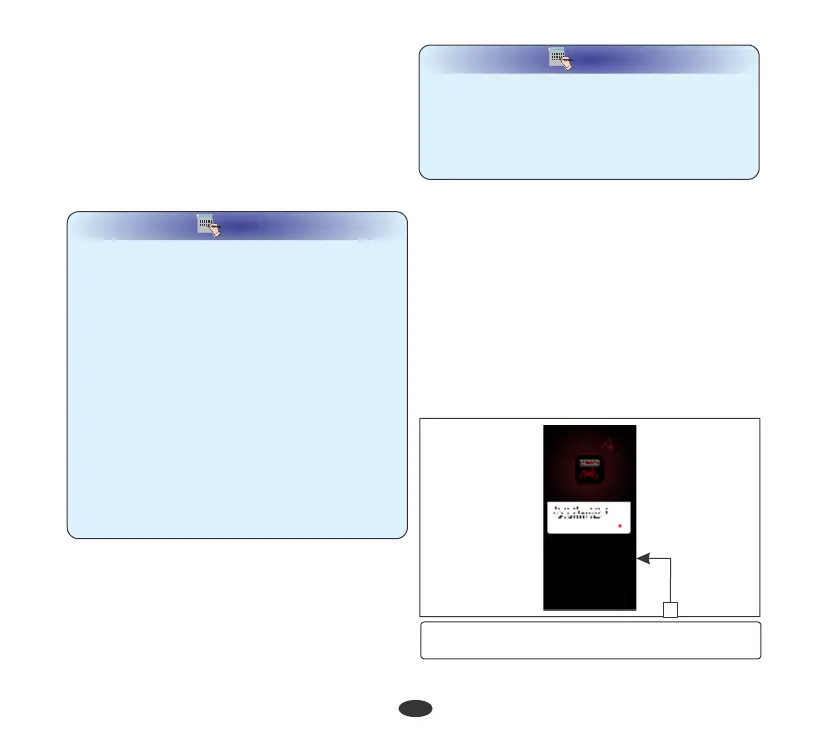
Give access to show incoming call
information on digital cluster (1).
Bluetooth:
Your vehicle is equipped with bluetooth
connectivity feature by which you can pair your
smartphone with the meter console of your
MAESTRO EDGE vehicle through Hero
navigation application.
To connect your device proceed as follows:
•
Open hero navigation application on your
smartphone.
NOTE
NOTE
•
Compatibility and performance of hero ride
guide application may very based on your
device and software version.
•
Application needs GPS signal, internet and
bluetooth connectivity to perform the
desired navigation functionality.
30
(1) Access for incoming call information on
digital cluster
1


 To Next Page