23
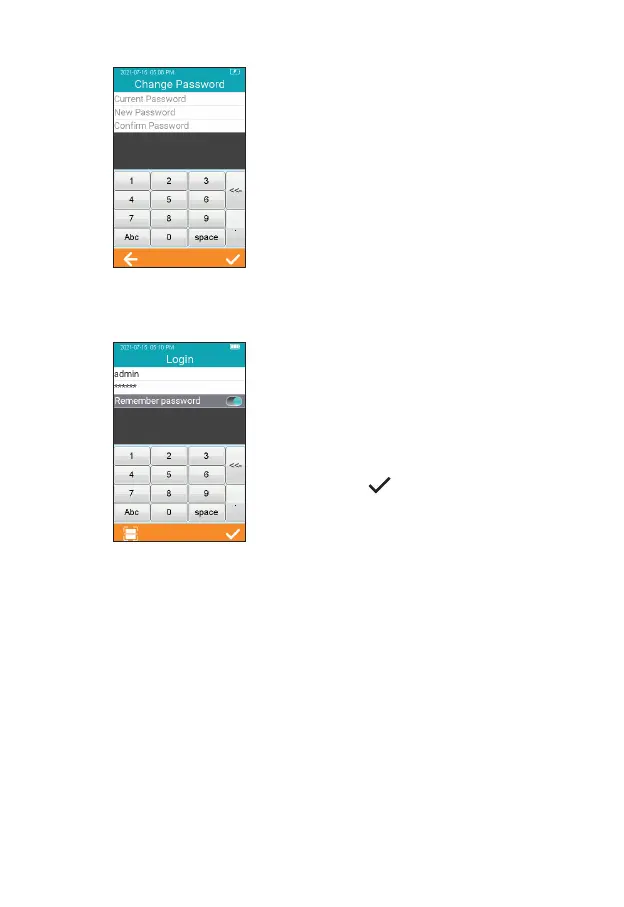
To change the password, the
user needs to provide the current
password, the new password,
and conrm the new password
(Figure 2-27). If a user forgets their
password, contact the administrator
to reset the user password. If the
administrator forgets the password,
please contact Heska's Technical
Support Services.
The user can log in to any existing
account from the Login screen.
Enter the correct password and
log into the screen to perform the
relevant operation. After entering
the ID and password, please
touch “ ”. If it is prompted that
the user does not exist, or the
password is incorrect, please use
the administrator account to log in
and create a new account to reset
the password.
2-27
2-28



 To Next Page