29
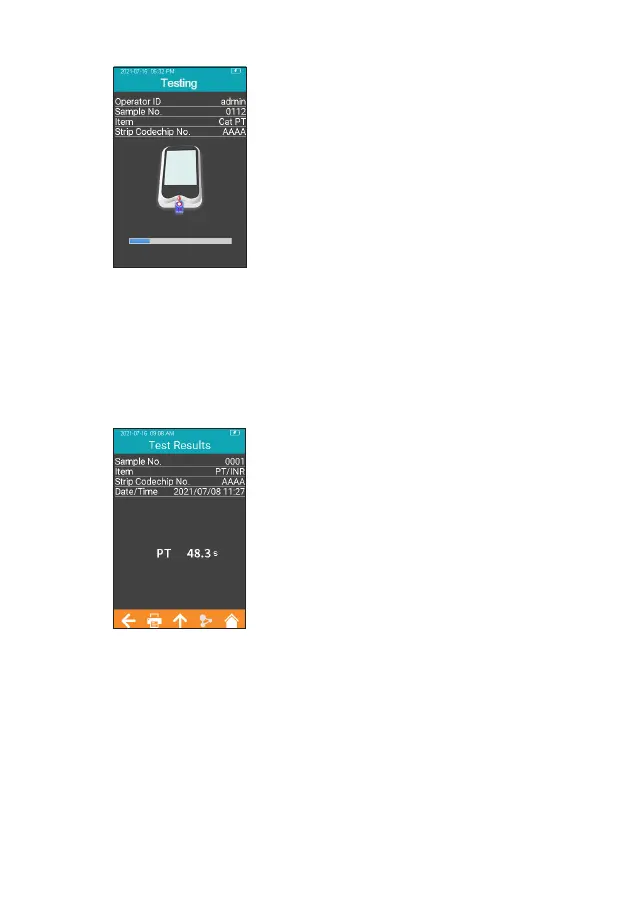
After the sample is added properly,
the system will start the test
automatically and display the test
progress (Figure 3-10). Do not
perform other operations on the
analyzer during testing.
8.10 Test Results
Please check the test strip insert for an explanation of the results.
The system will display the test
results after the test is completed
(Figure 3-11). The test results can
be uploaded, provided that the
instrument is properly connected to
the server. When the result is out of
the normal range, the system will
prompt that the result is
↑
(high) or
↓
(low), if Reference Range function
has been enabled.
3-10
3-11



 To Next Page