38
10. Results
When the storage amount of the sample result reaches 80% of the total
amount of the analyzer, the user will be prompted to upload data. If the
user does not upload the data, the sample results will automatically
overwrite the oldest records after the total amount exceeds the limit.
10.1 Results Channel
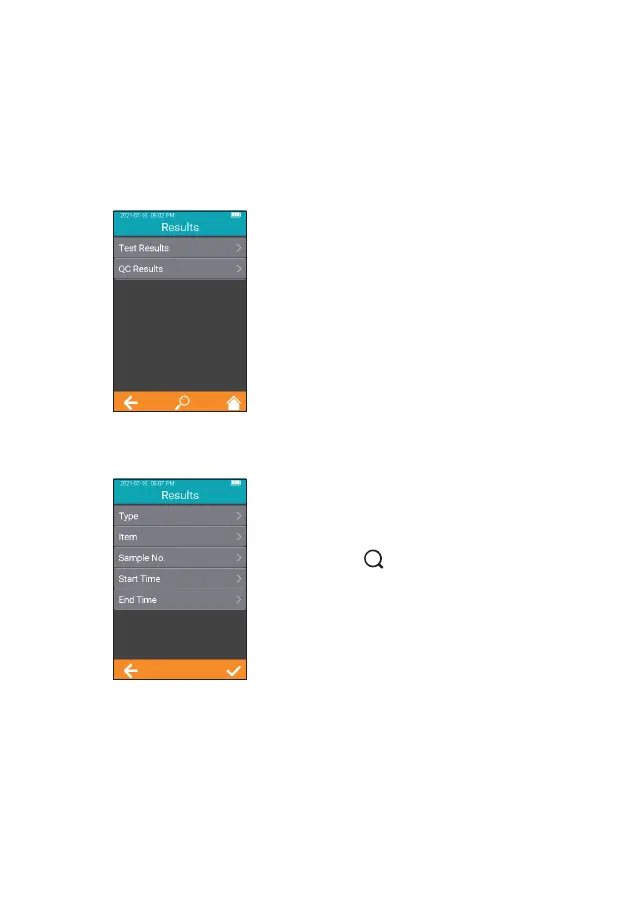
Click the "Results" icon from the
main menu screen (Figure 1-1) to
enter the Results query screen
(Figure 5-1).
From the Results Query screen,
touch " " to view the information
by specic criterion. Both test
results and QC results can be
viewed by Type, Item, Sample No.,
Start Time, or End Time.
5-1
5-2



 To Next Page