17
7.5 System Parameter
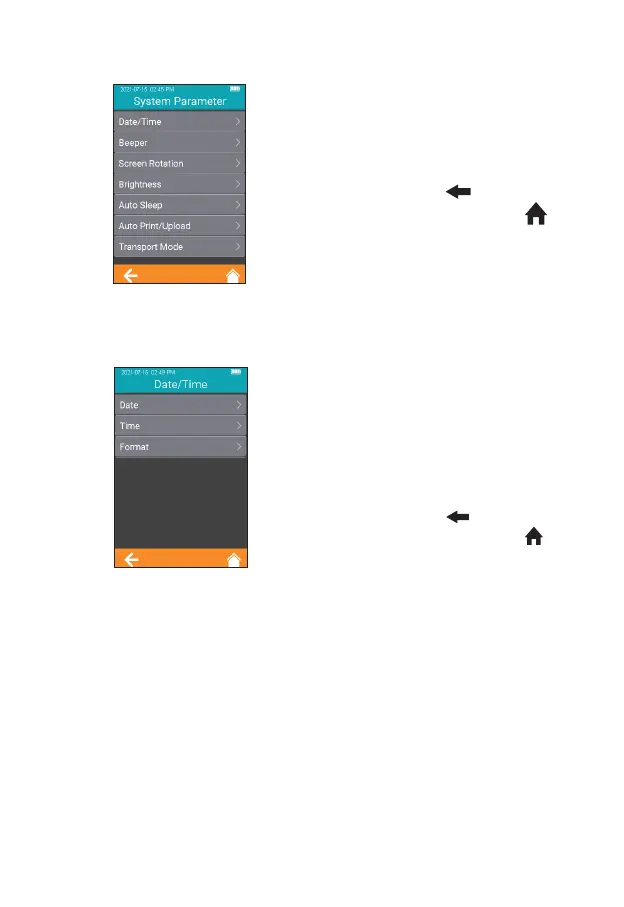
Click "System Parameter" from
the Settings screen (Figure 2-1) to
enter the screen (Figure 2-15) that
prompts the user to set the system
parameters. Click " " to return to
the previous screen and click " "
to return to the main menu.
7.5.1 Date/Time
Click "Date/Time" from the System
Parameter screen (Figure 2-15) to
enter the screen (Figure 2-16) that
prompts the user to set the date
and time. The user can set the date,
time, and even their display format
respectively. Click " " to return to
the previous screen and click " "
to return to the main menu.
2-15
2-16



 To Next Page