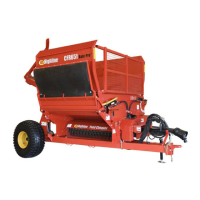
Section 6 - Storing the Rockpicker
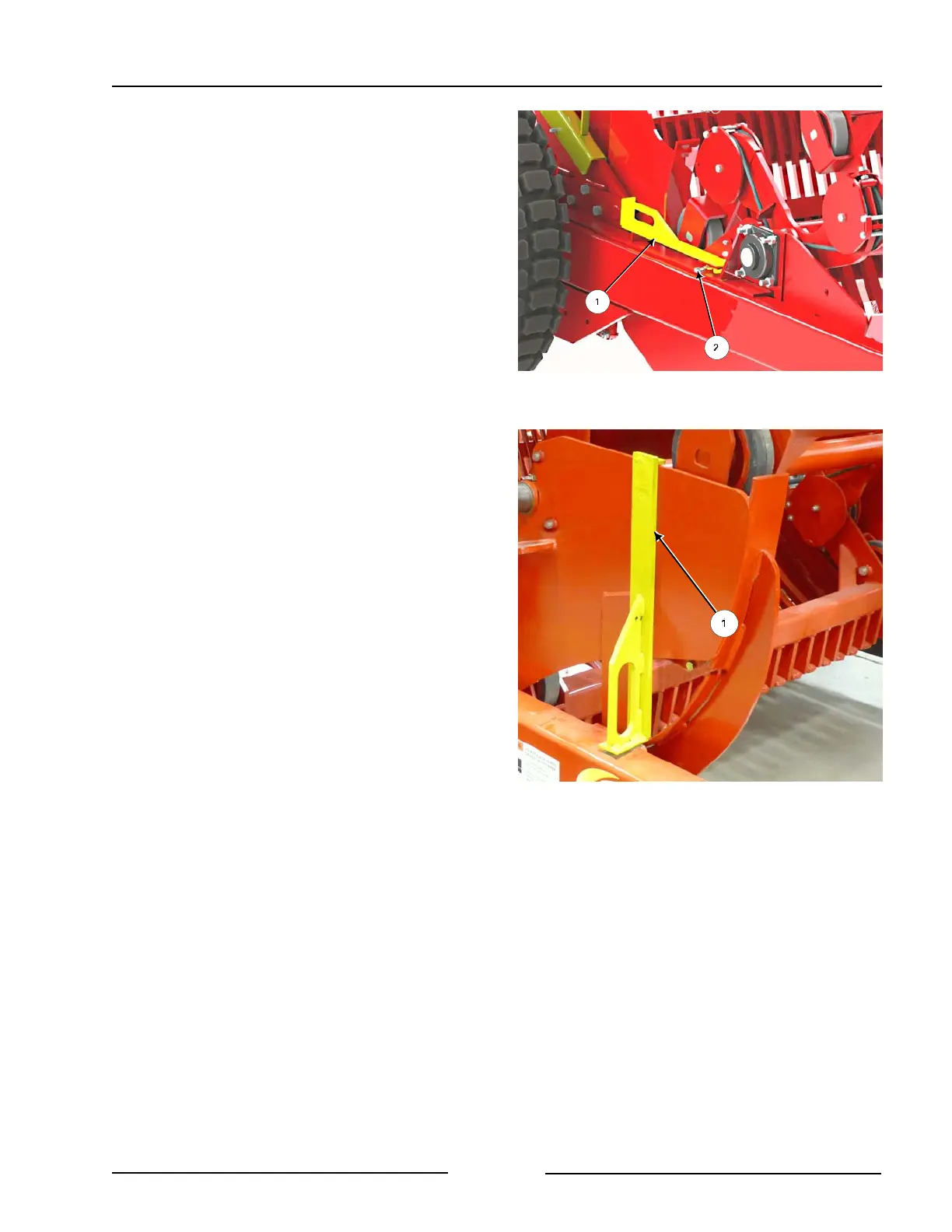
Remove the Right Apron Lock
216235C
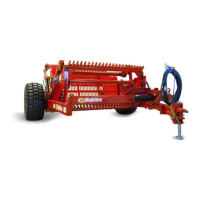
Install Apron Lock - Right Side
216227C
9. Remove the right apron lock (1) from the
storage position on the right side of the
frame behind the motor.
- Remove the clip pin (2).
10. Install the apron lock (1) on the right
side of the apron.
- Place the pin of the lock into the
hole of the apron.
- Fasten with the clip pin.
Page 6-5



 To Next Page