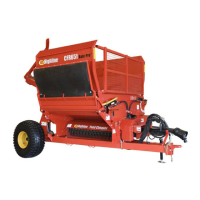
Section 6 - Storing the Rockpicker
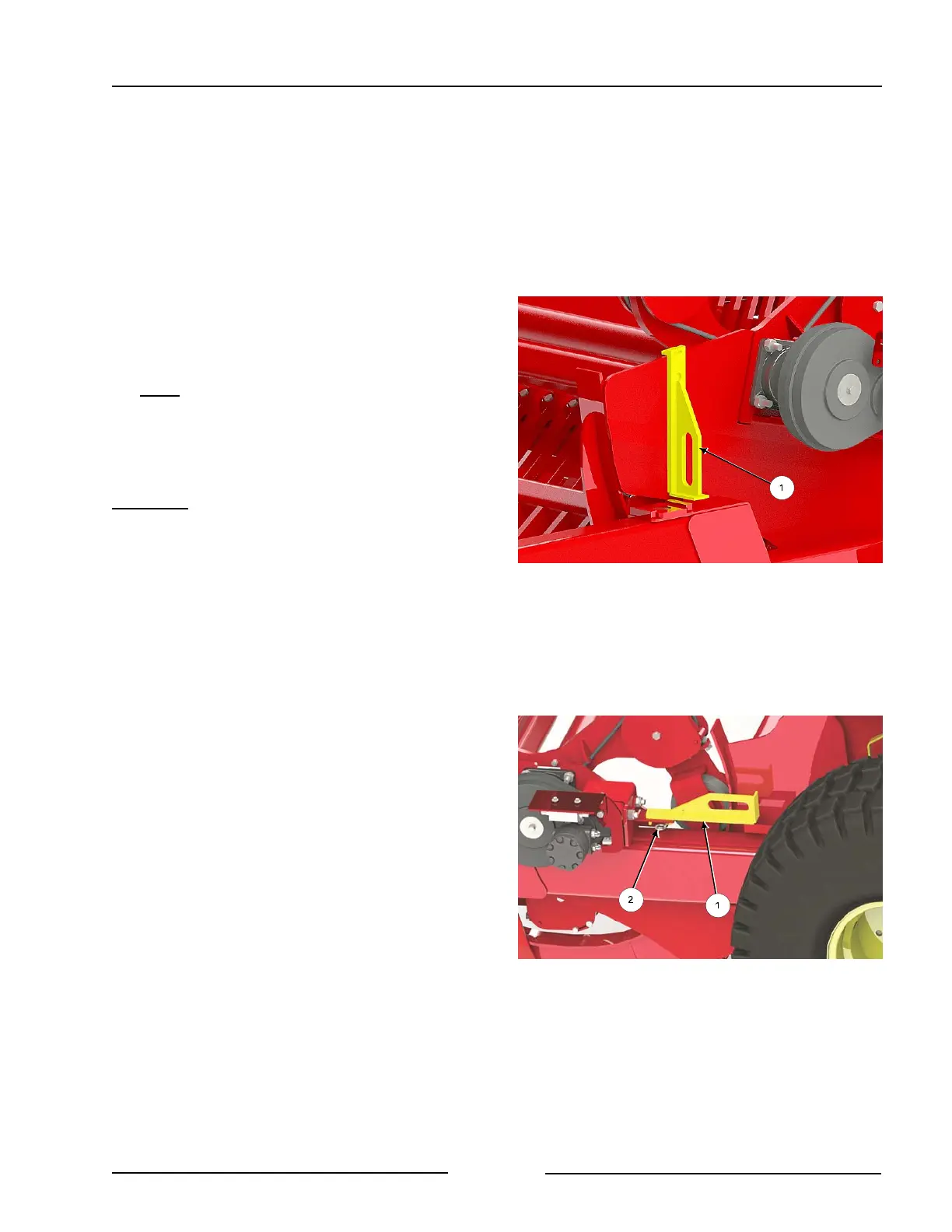
Left Apron Lock in Storage Position
216234C
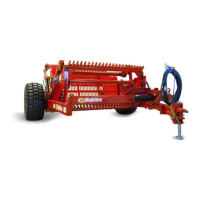
Remove the Apron Lock - Left Side
216239C
Storing the Rockpicker
Instructions for storing longer than a week:
1. Remove the apron locks (if installed) to
allow lifting of the rock bucket.
- The apron locks will be re-installed
later.
- Fully raise the apron to remove any
pressure on the apron transport locks.
Note
: Do not lower the apron or raise the
bucket when the apron transport
locks are on installed or severe
damage will occur to the machine.
Left Lock
- Remove the apron lock (1) on the left
side of the apron.
- Remove the clip pin.
- Remove the lock from the
apron.
- Place the left apron lock (1) into the
storage position on the left side of the
frame behind the motor.
- Fasten with the clip pin (2).
Page 6-1



 To Next Page