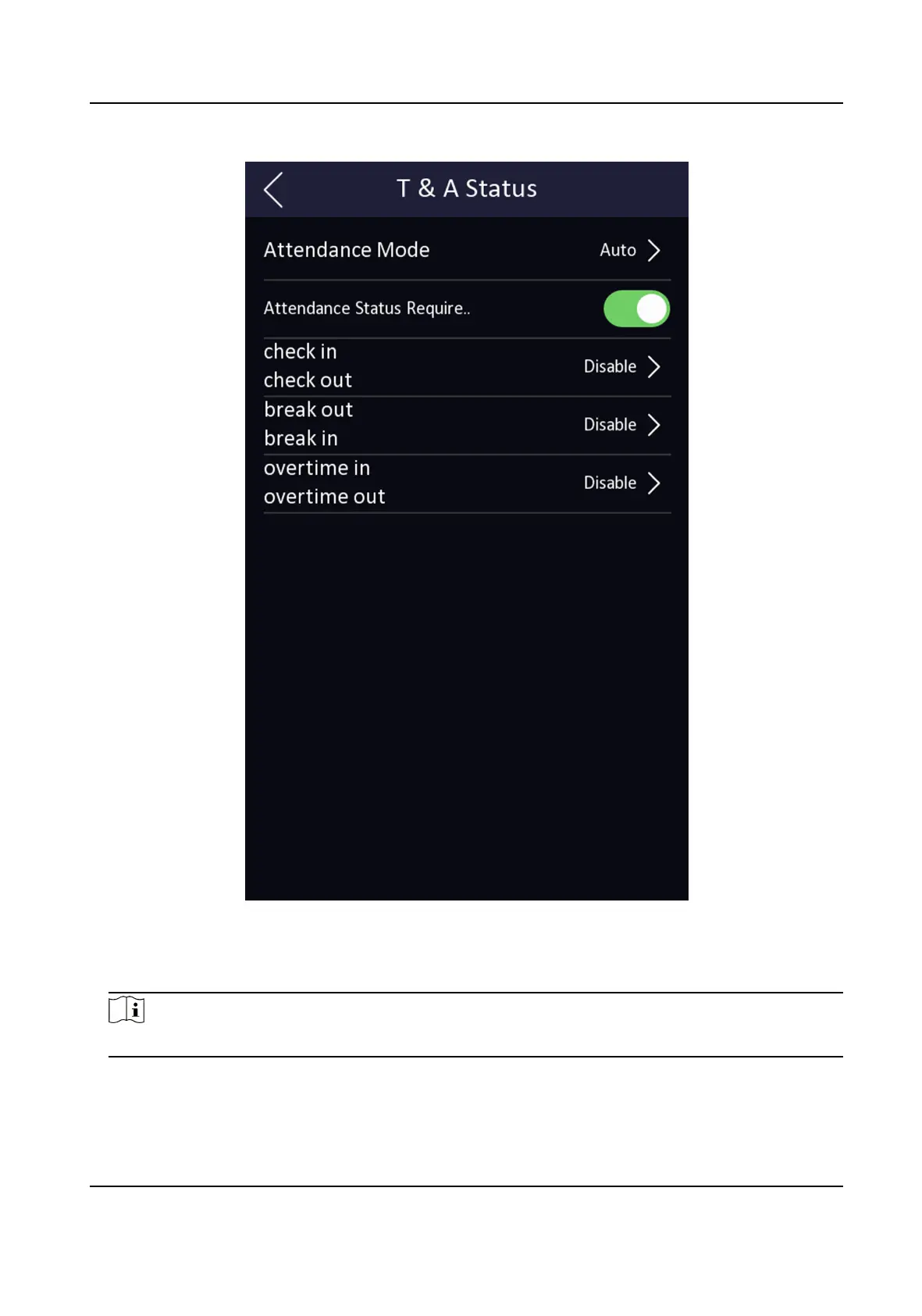
Figure 7-15 Auto Aendance Mode
3.
Enable the Aendance Status funcon.
4.
Enable a group of aendance status.
Note
The Aendance Property will not be changed.
5.
Oponal: Select an status and change its name if required.
The name will be displayed on the T & A Status page and the authencaon result page.
DS-K1T341C Series Face Recognion Terminal User Manual
81


 To Next Page
 Loading...