3.5 View Real-Time Picture
You can view the real-me captured pictures and informaon of the captured vehicles.
Steps
1.
Go to Live View → Live
Trac Stascs .
2.
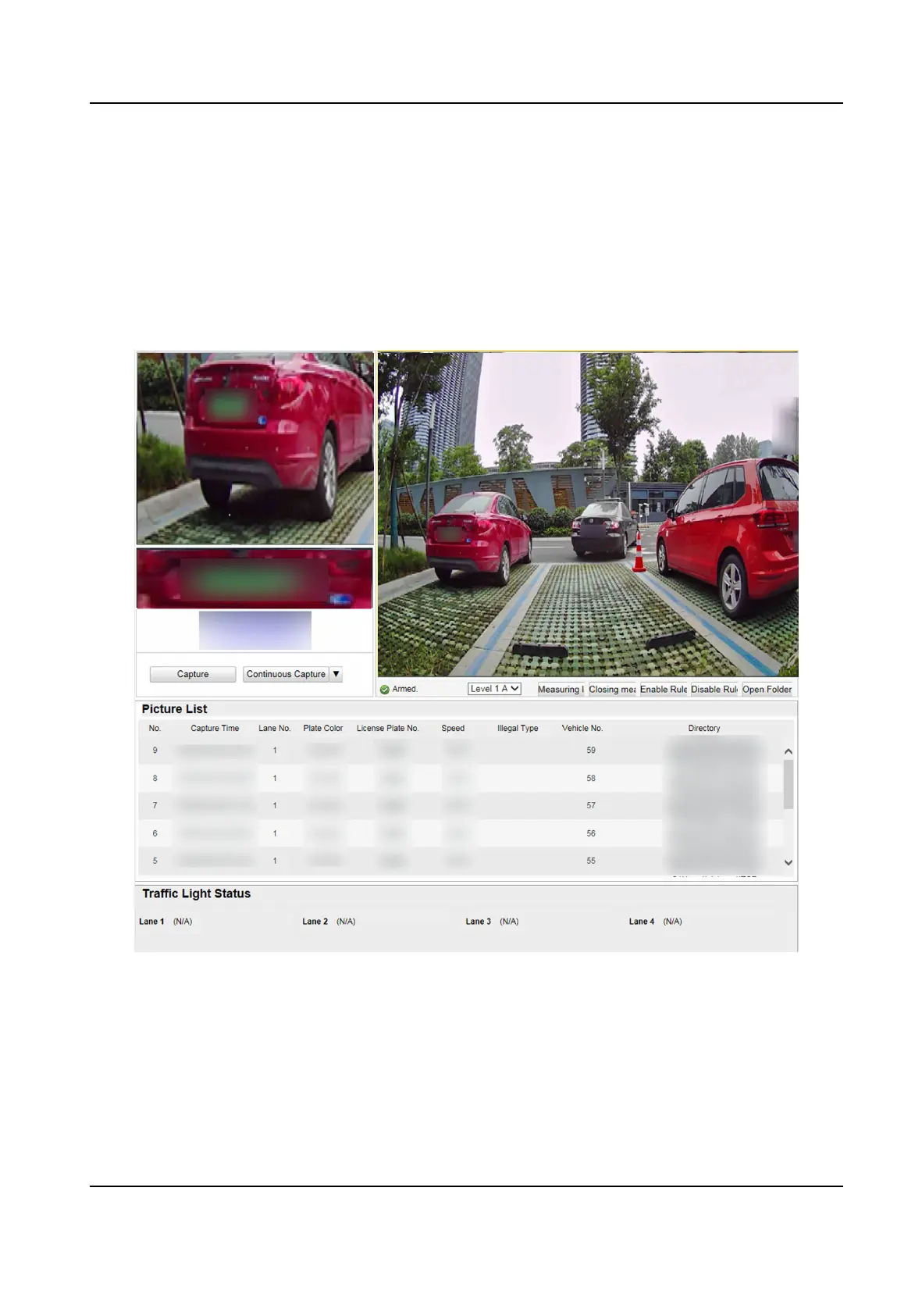
Select the captured picture from the picture list, and you can view the capture scene picture and
the captured license plate picture.
Figure 3-8 Real-Time Picture
3.
You can do the following operaons on this interface.
-
Select the arming mode. Level 1 Arming can only connect one client or web. The uploaded
pictures will not be stored in the storage card. The pictures in the storage card will be
uploaded to the level 1 arming. Level 2 Arming can connect three clients or webs. The
pictures will be uploaded to the client/web, and stored in the storage card. Disarming is to
cancel the alarm status or
real-me picture.
Smart On-Street ANPR Camera User Manual
12















 To Next Page